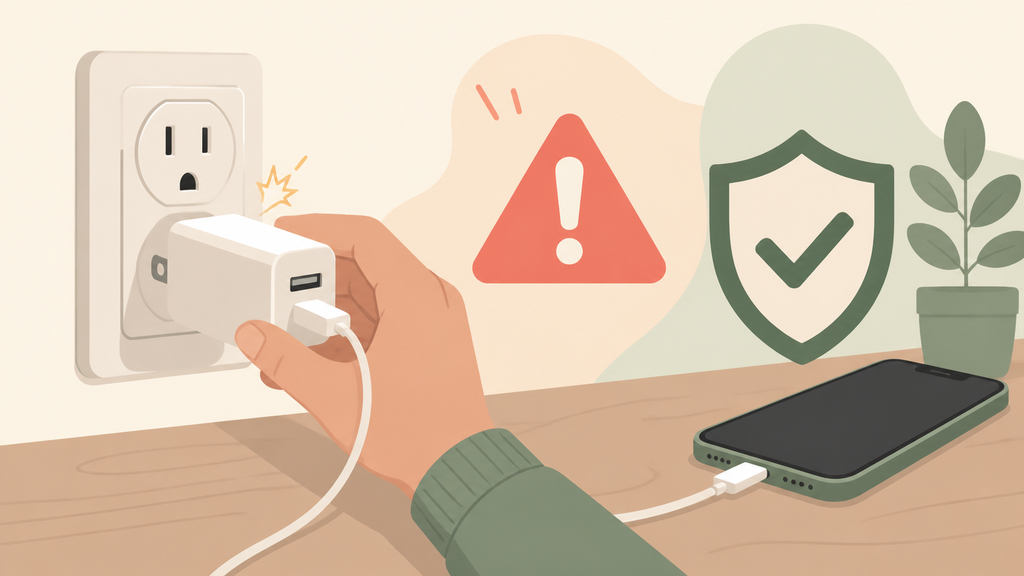
Your wireless charger feels warm, the phone slows down, and you start wondering if the whole setup is unsafe. The fix starts with understanding heat.
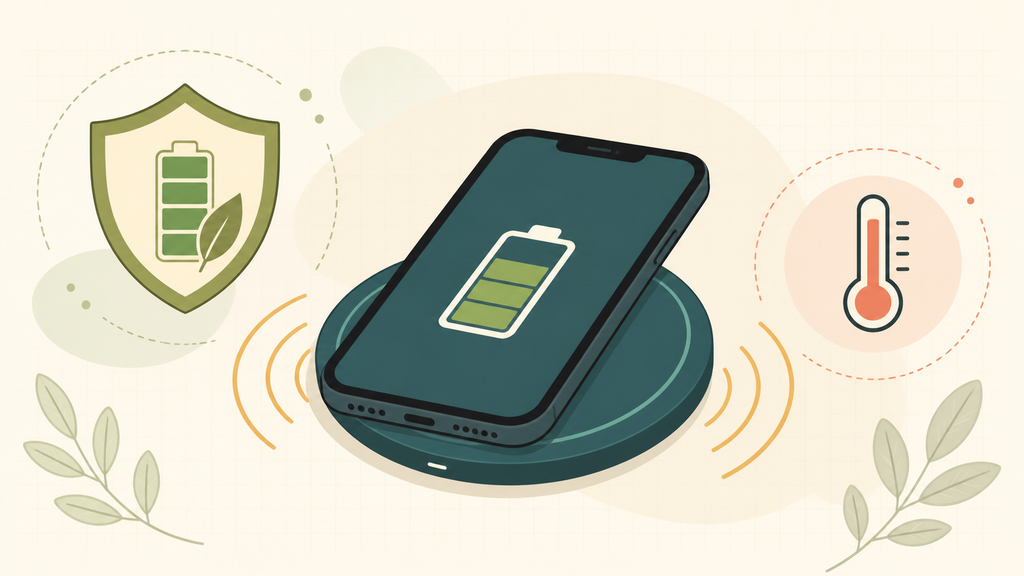
A wireless charger gets hot because energy is transferred through coils, and some energy becomes heat. Mild warmth is normal, but poor alignment, thick cases, metal objects, weak adapters, and low-quality coil design can make the temperature rise too much.
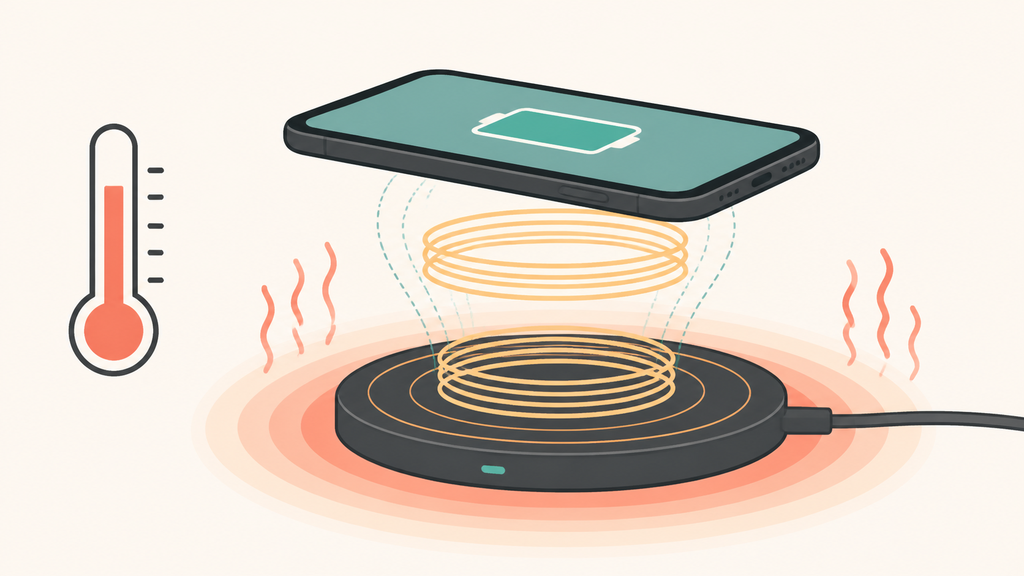
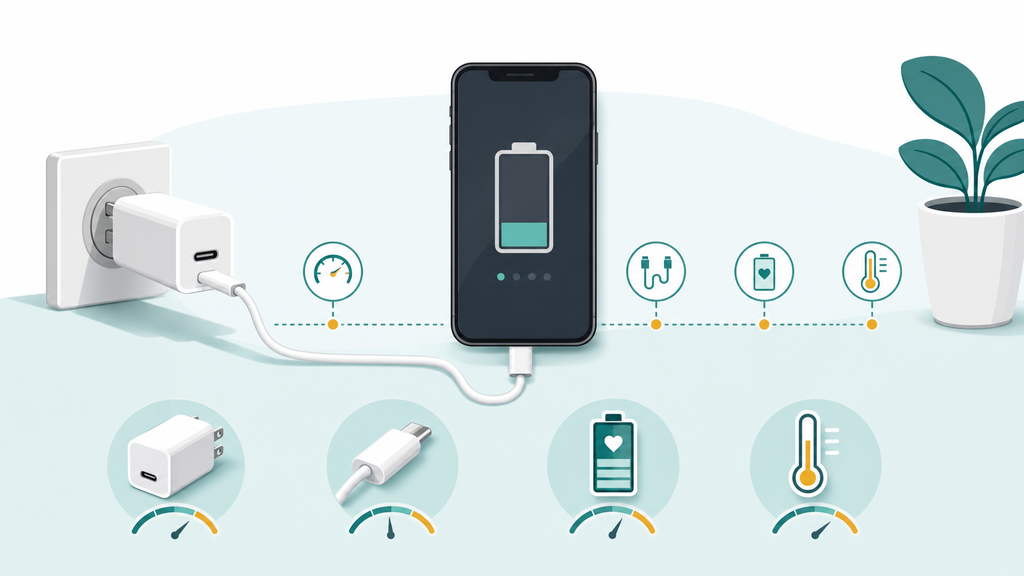
I have seen many customers treat wireless charging heat as one simple problem, but it is usually a system problem. The charger, adapter, phone, case, surface, room temperature, and product design all matter. That is why two chargers with the same advertised wattage can behave very differently.
Is It Normal For A Wireless Charger To Get Warm?
A warm wireless charger can be normal, but hot plastic, charging pauses, warnings, smell, or swelling are not normal. The difference matters.
Wireless charging is less direct than cable charging, so some heat is expected. The phone and charger should still remain comfortable to touch, stable, and free from odor, deformation, or repeated charging interruptions.
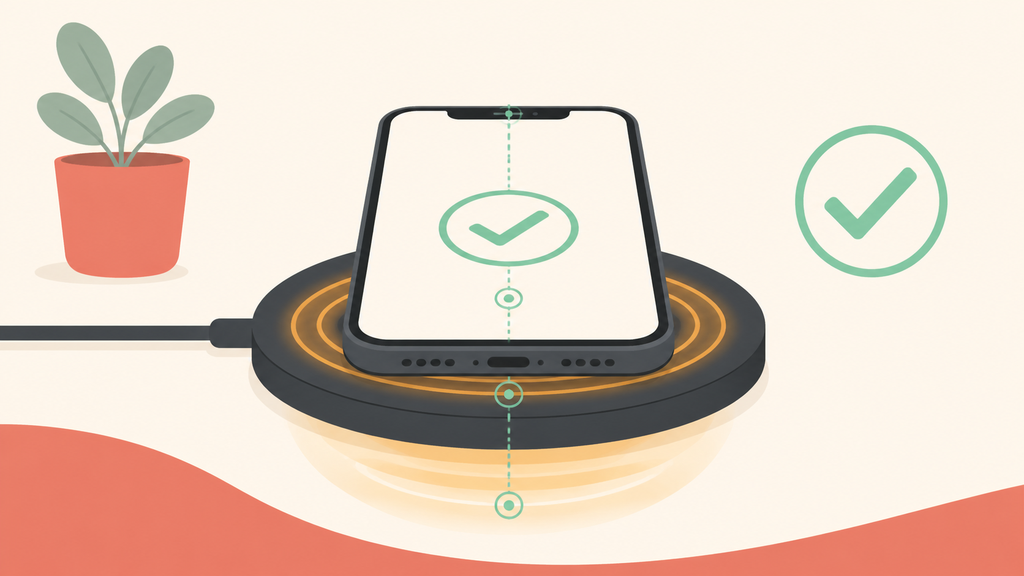
Wireless charging works by transferring power across a small air gap. The Wireless Power Consortium describes Qi and Qi2 as standards for interoperable wireless power products, and the basic idea depends on transmitter and receiver coils lining up well enough for efficient transfer.1 Because the energy is not moving through a metal connector, some loss is unavoidable. That loss often appears as heat in the charger, the phone, or both.
In my experience, the first question is not “is there heat?” but “what kind of heat?” A charger that becomes mildly warm after 30 minutes can be normal. A charger that becomes uncomfortable after five minutes, stops charging, or makes the phone display a temperature warning needs attention. Apple also notes that devices can become warm during charging and that charging may be limited if the battery gets too warm.2 That is not only a comfort issue; heat affects user trust and long-term product perception.
For brands and importers, this is where sample testing becomes important. A wireless charger may pass a short function check but still perform poorly in a real use case. I often test samples with different phone sizes, cases, adapters, and room temperatures. A thin desk in an air-conditioned office can hide problems that appear later in a hot retail store, car, bedroom, or warehouse.
| Heat condition | What it usually means | Buyer action |
|---|---|---|
| Mild warmth | Normal energy loss | Continue testing under real use |
| Phone slows charging | Temperature control is active | Check alignment, case, and adapter |
| Charger is very hot | Inefficient transfer or design issue | Stop using and inspect sample |
| Odor or deformation | Possible material or electrical risk | Reject the unit and investigate |
Good wireless charger design is not just about peak wattage. It is about coil position, thermal path, firmware control, foreign object detection, material choice, and adapter matching. A supplier that only says “15W fast wireless charging” without explaining the thermal design is leaving a major risk unanswered.
What Makes A Wireless Charger Overheat?
Most overheating cases come from misalignment, blocked heat, wrong accessories, or weak product design. Small inefficiencies can become large heat problems.
A wireless charger usually overheats when the phone is not centered, the case is too thick, metal interferes with the coil, the adapter is mismatched, or the charger uses poor thermal design and weak safety control.
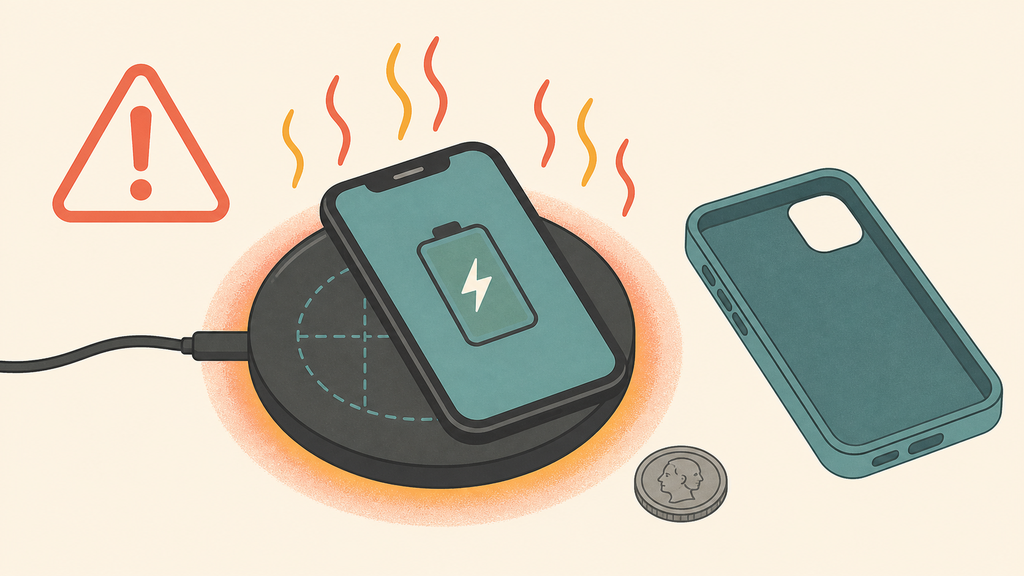
Alignment is the first thing I check. If the phone sits slightly away from the transmitter coil, the charger may still work, but it can work harder. That extra effort may create more heat and slower charging. Magnetic alignment, including the alignment approach behind Qi2 products, helps reduce this problem, but it does not remove the need for good engineering.1
Cases are the second common cause. Samsung advises users to remove cases or accessories when wireless charging does not work properly, especially if the case is thick or contains metal.3 In production discussions, I also watch for magnetic rings, card holders, kickstands, decorative metal plates, and uneven case backs. A customer may test a charger with a bare phone and approve it, while real users charge through cases every day.
The adapter matters too. A wireless charging pad is only part of the system. If the wall adapter cannot provide stable input, the charger may pulse, slow down, or run hotter than expected. Some low-cost projects pair a wireless charger with a weak adapter to save cost, then blame the charging pad when users complain. That is the wrong way to analyze the problem.
Material and structure also decide whether heat escapes or stays trapped. A beautiful fabric top or thick decorative shell can look premium, but it may hold heat if the internal thermal path is poor. Multi-coil stands, foldable travel chargers, and 3-in-1 stations need even more attention because several devices may charge at the same time.
For B2B buyers, I recommend asking these questions before confirming an order:
| Question | Why it matters |
|---|---|
| What adapter specification is recommended? | Prevents unstable input and user confusion |
| What case thickness was tested? | Matches real consumer behavior |
| Does the design include foreign object detection? | Helps detect coins, keys, and metal interference |
| What temperature tests were done? | Shows whether the supplier understands thermal risk |
| Is certification documentation available? | Supports channel and market compliance |
The most dangerous mistake is treating heat as only an after-sales issue. Heat should be reviewed during ID design, PCB selection, coil layout, sample testing, packaging instructions, and quality control. By the time customer complaints arrive, the cost of fixing the problem is much higher.
How Can Buyers Choose A Cooler Wireless Charger?
A cooler wireless charger is not always the highest-watt model. It is the model with better efficiency, alignment, safety control, and realistic specifications.
To choose a cooler wireless charger, test it with real phones, real cases, the recommended adapter, and long charging sessions. Prioritize certified designs, good coil alignment, thermal protection, and clear user instructions over headline wattage alone.
When I help a brand evaluate wireless charger samples, I try to recreate the way customers actually use the product. I do not only test a new phone on a clean desk for ten minutes. I test several devices, different cases, different positions, and longer sessions. I also test after the charger has already warmed up, because some designs look fine at the start and become unstable later.
Certification and compliance are part of this decision. For the U.S. market, wireless power products may need equipment authorization or RF exposure evaluation depending on design and operating conditions, so importers should confirm the compliance path instead of assuming a charger is “just an accessory.”4 For a serious retail or private label project, the supplier should be able to explain the standard, the test reports, and the adapter requirements in plain language.
A practical sample test should include:
| Test | What to observe |
|---|---|
| 30-60 minute charge | Surface temperature, charging stability, phone warnings |
| Case test | Thick case, magnetic case, and no case |
| Position test | Centered, slightly offset, vertical and horizontal |
| Adapter test | Recommended adapter and common user adapters |
| Multi-device test | For 2-in-1 and 3-in-1 chargers |
Packaging and instructions also reduce heat complaints. A simple warning to remove metal objects, avoid thick cases, use the correct adapter, and place the phone correctly can prevent many returns. This sounds basic, but I often see brands spend money on packaging design while leaving the usage instructions vague. That creates avoidable after-sales pressure.
From a manufacturing view, I prefer a wireless charger that performs consistently at a realistic wattage over one that advertises aggressive power but throttles quickly. A stable 10W or 15W product with good alignment and thermal control can create a better user experience than a “fast” model that gets hot, pauses, and worries the customer.
For EverGreat projects, we usually discuss the target market first: retail shelf, promotional gift, travel charger, desktop stand, or magnetic power bank. Each use case has a different thermal profile. Once the use case is clear, coil design, housing structure, certification, packaging, and QC standards can be matched to the real risk.
Conclusion
Wireless charger heat is manageable when buyers test the whole system, not just the wattage printed on the product page.
-
The Wireless Power Consortium Qi2 standard page explains Qi2 as the next-generation wireless charging standard built around improved alignment and interoperability. ↩ ↩
-
Apple explains battery and charging temperature behavior in its battery performance guidance and support materials for iPhone charging. ↩
-
Samsung advises checking cases and accessories in its wireless charging troubleshooting guidance. ↩
-
The FCC provides equipment authorization and RF device guidance through its Office of Engineering and Technology equipment authorization resources. ↩