Water in a charging port can turn a normal charging habit into a real repair risk. The safest answer is simple: wait, dry, then charge.
Do not charge your phone with a wet charging port. Unplug all cables, turn the connector downward, let the port dry naturally, and use wireless charging only if the phone supports it and the back is dry. Forced drying, heat, or sharp tools can damage the device.
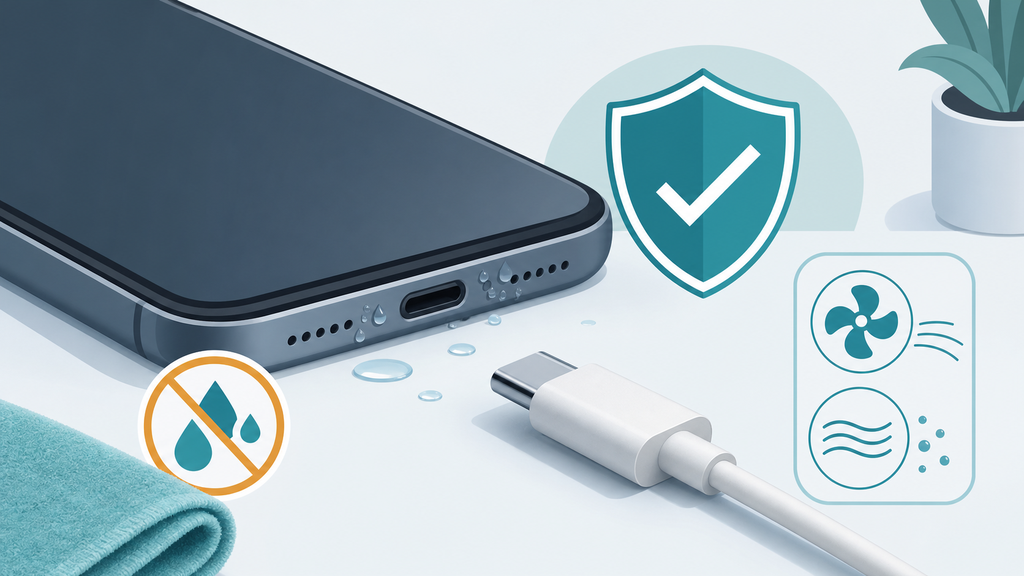
Many customers ask this after rain, beach trips, sweaty workouts, or a sink splash. The confusing part is that modern phones may be water resistant, but the charging connector is still a sensitive electrical contact.
Why Is Charging A Wet Phone Port Risky?
A wet charging port looks small, but it can affect charging, data transfer, corrosion, and customer safety. Ignoring it can turn a minor splash into a bigger problem.
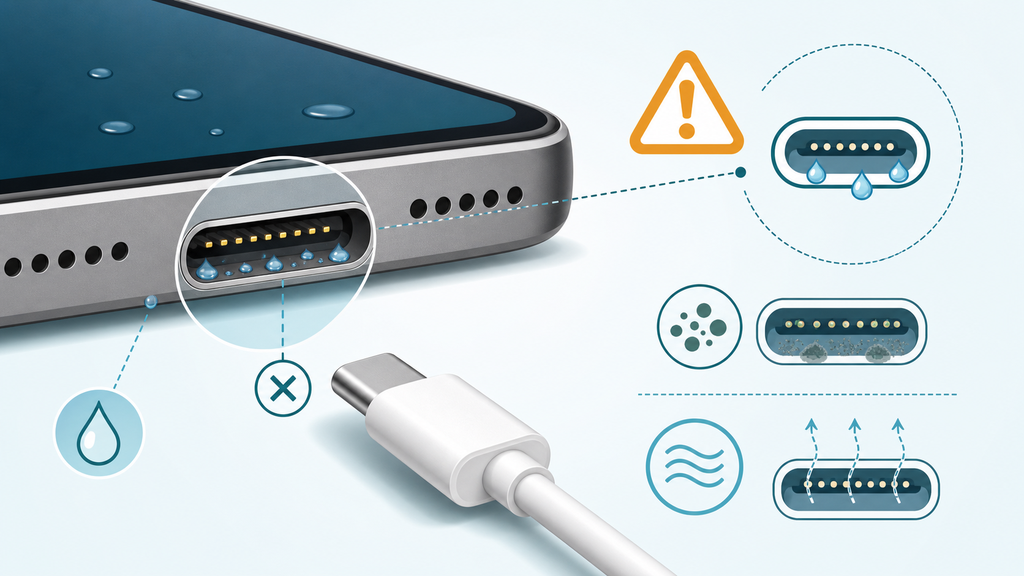
Charging a phone with moisture in the port can cause unstable charging, connector corrosion, warning messages, heat, or accessory damage. Water resistance does not mean the connector should be used while wet.
Apple tells users to disconnect a cable if a liquid detection alert appears and to let the iPhone dry before reconnecting a cable or accessory.1 Google gives similar guidance for Pixel phones, telling users not to charge when the phone is wet and to let it dry before connecting a cable.2 Samsung also explains that moisture in the charging port can trigger a warning and prevent charging until the port is dry.3
The key point is not panic. It is patience. A phone can survive a splash and still be damaged later if the user pushes power through a wet connector too soon. In manufacturing, I see this problem as a connector-management issue, not only a waterproofing issue.
Charging ports have tiny metal contacts. Those contacts need stable electrical connection. Moisture can create leakage paths, interfere with contact resistance, or leave minerals behind after drying. Salt water, pool water, sweat, soda, and detergent are worse than clean water because they can leave conductive or corrosive residue.
| Liquid Type | Main Risk | Practical Advice |
|---|---|---|
| Clean water | Temporary moisture in connector | Dry naturally before charging |
| Rain water | Dirt or mineral residue | Wait longer and inspect the port |
| Sweat | Salt and corrosion risk | Do not charge until fully dry |
| Pool water | Chlorine and mineral residue | Rinse only if manufacturer guidance allows it |
| Seawater | High corrosion risk | Seek service if warnings continue |
| Soda or juice | Sticky residue | Do not insert tools or cables |
Water resistance ratings can also mislead users. IP ratings describe controlled test conditions for ingress protection, not a promise that every wet phone can be charged immediately.4 A new phone in a lab test and a two-year-old phone with a worn seal, cracked frame, or dirty port are different situations.
I often find that buyer complaints start with unclear expectations. The user sees “water resistant” on the box and assumes “safe to plug in while wet.” That is not the same claim. Water resistance helps protect the device from accidental exposure. It does not make the USB-C or Lightning connector immune to moisture during charging.
For accessory brands, this matters because the charger or cable may be blamed even when the phone port is wet. A customer plugs in a cable, sees a moisture warning, then says the cable caused the issue. Clear manuals, packaging notes, and customer service scripts can reduce this misunderstanding.
The safest technical principle is simple: electricity, tiny connectors, and moisture should not be rushed.
What Should You Do If Your Charging Port Gets Wet?
Most damage happens after the splash, not during it. Users shake, blow, heat, or poke the port because they want charging to resume immediately.
If your charging port gets wet, unplug the cable, hold the phone with the port facing down, gently tap out excess liquid, leave it in a dry ventilated place, and wait before charging. Do not use heat, compressed air, rice, cotton swabs, or metal tools.
Apple recommends tapping an iPhone gently against your hand with the connector facing down, then leaving it in a dry area with airflow before trying again later.1 Google recommends letting a wet Pixel dry at room temperature and avoiding charging until it is dry.2 These instructions are boring, but they are exactly what reduces risk.
The wrong drying method can create more damage than the water. A hair dryer can push heat into the battery and display adhesive. Compressed air can drive liquid deeper into the device. Cotton swabs can leave fibers in the connector. A toothpick or metal pin can bend pins or scratch coatings. Rice is also unreliable because dust or starch can enter openings while doing little for moisture inside the port.
| Action | Good Or Bad? | Why |
|---|---|---|
| Unplug immediately | Good | Stops power through wet contacts |
| Port facing down | Good | Helps liquid drain naturally |
| Airflow at room temperature | Good | Allows slow evaporation |
| Wireless charging if dry | Usually okay | Avoids the wet port |
| Hair dryer | Bad | Heat can damage parts |
| Compressed air | Bad | Can push liquid deeper |
| Rice | Bad | Dust can enter openings |
| Sharp tool | Bad | Can damage connector pins |
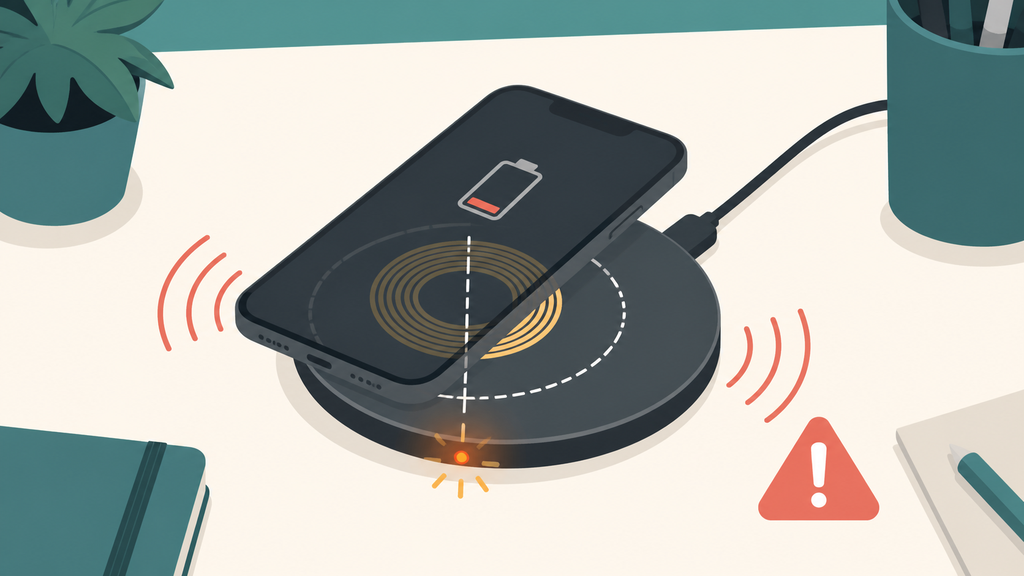
If the phone supports wireless charging, it may be a useful temporary option. But the back of the phone and wireless charger should be dry. A wet case can trap moisture and heat. Remove the case, wipe the outside, and confirm the wireless pad is clean and dry.
In my experience, the waiting time depends on the exposure. A small splash may dry quickly. A port soaked by rain, sweat, or seawater may need much longer. If the phone keeps showing a liquid or moisture warning after several hours, or if charging is unstable the next day, the port may need professional inspection.
For travelers, I suggest carrying a small dry pouch, a spare certified cable, and a wireless charger if the phone supports it. A beach trip, mountain hike, or rainy commute is exactly when users want charging most, but it is also when charging ports become dirty or damp.
For brands selling travel power banks, outdoor chargers, or charging cables, this is a customer education opportunity. The product page should not only say “fast charging.” It should also explain basic wet-port behavior: dry the phone first, do not override warnings unless it is an emergency, and replace accessories that become hot or unstable.
I worked on one promotional charging project where the customer wanted a waterproof-looking outdoor bundle. The product itself was reliable, but we added simple instructions about wet phone ports because many users would be using it near pools and campsites. That small instruction reduced unrealistic expectations and made the product feel more professional.
Good charging support is not only about watts. It is also about teaching users when not to charge.
How Can Brands Reduce Wet-Port Charging Complaints?
Wet-port problems are user-facing, but brands and importers still carry the review risk. A bad warning message or vague manual can become a return.
Brands can reduce wet-port charging complaints by choosing reliable cables and chargers, testing connector fit, writing clear moisture guidance, avoiding misleading waterproof claims, and training support teams to separate phone-port issues from accessory defects.
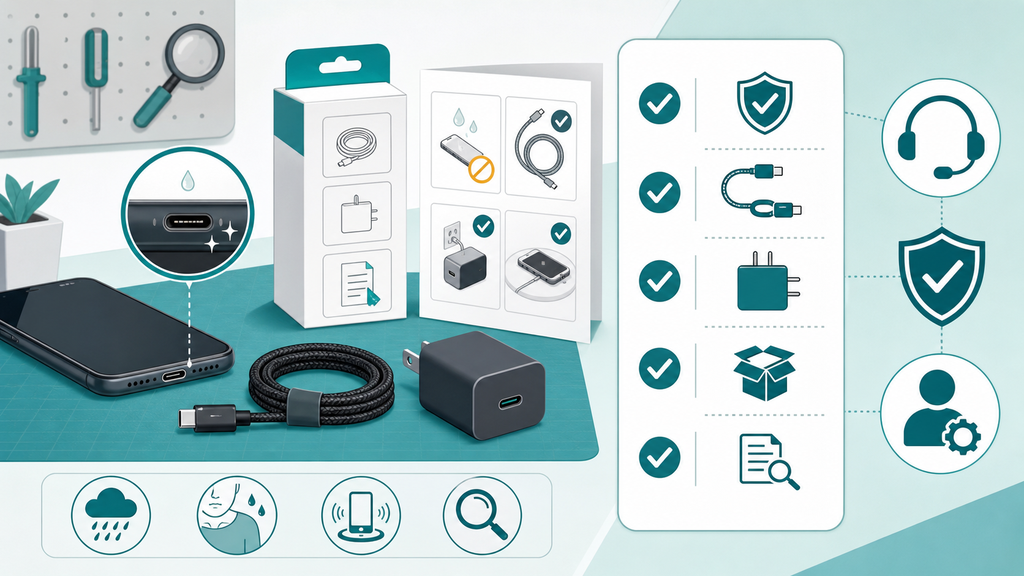
For B2B buyers, I would treat wet-port charging as part of product risk planning. It touches charger design, cable quality, packaging language, customer support, and after-sales troubleshooting.
The first issue is cable fit. A loose connector is not only annoying. It can make users wiggle the cable, which is worse if the port is damp or dirty. A reliable USB-C cable should have consistent connector dimensions, stable insertion force, and good strain relief. Cheap cables may pass a basic charging test but still create customer complaints after repeated use.
The second issue is charger behavior. A good charger should negotiate power properly and shut down safely under abnormal conditions. USB Power Delivery is built around device power negotiation, but buyers still need to test real devices, real cables, and real use cases.5 A charger that performs well on a bench may behave differently with a wet or contaminated connector on the user side.
| Business Risk | Common Cause | Better Control |
|---|---|---|
| Customer blames the cable | Phone port was wet or dirty | Add moisture troubleshooting steps |
| Bad reviews after beach use | Waterproof claim was vague | Use precise wording |
| Return from charging failure | Loose connector or worn cable | Test insertion force and durability |
| Safety concern | User overrides moisture warning | Explain when to stop charging |
| Slow charging complaint | Phone limited charging after moisture alert | Train support to diagnose phone status |
Packaging language matters. Do not imply that a charger, cable, or power bank makes a phone safe to charge when the phone port is wet. If a product is outdoor-focused, the manual should say the power source may be protected, but the connected phone port must still be dry before wired charging.
Customer service scripts should be practical. Ask whether the phone showed a liquid detection warning. Ask whether the phone was recently exposed to rain, sweat, seawater, or cleaning liquid. Ask whether wireless charging works. Ask whether another cable behaves the same. These questions help separate accessory failure from phone-side moisture protection.
For private-label projects, I also suggest including wet-environment testing in the evaluation plan when the product targets travel, outdoor, fitness, or school markets. This does not mean intentionally charging wet phones. It means testing packaging instructions, support guidance, cable durability, connector corrosion resistance, and user scenarios that may cause wet-port complaints.
EverGreat often helps customers think through these details before mass production. A clean product spec is not enough. A charger brand needs the right accessories, the right instructions, and the right support logic. That combination protects the user and the brand.
The best message is balanced. Do not scare users. Do not promise impossible waterproof charging. Tell them the truth: dry the port, use quality accessories, respect warnings, and contact service if moisture alerts do not clear.
Conclusion
Do not charge a wet phone port. Dry it naturally, avoid force or heat, and use clear product guidance to prevent damage, returns, and confusion.
-
Apple, If you see a liquid-detection alert on your iPhone. ↩ ↩
-
Google Pixel Phone Help, Charge your Pixel phone. ↩ ↩
-
Samsung, What to do if there is moisture in your water-resistant Samsung phone or tablet’s charging port. ↩
-
IEC, Degrees of protection provided by enclosures, IEC 60529. ↩
-
USB Implementers Forum, USB Charger (USB Power Delivery). ↩