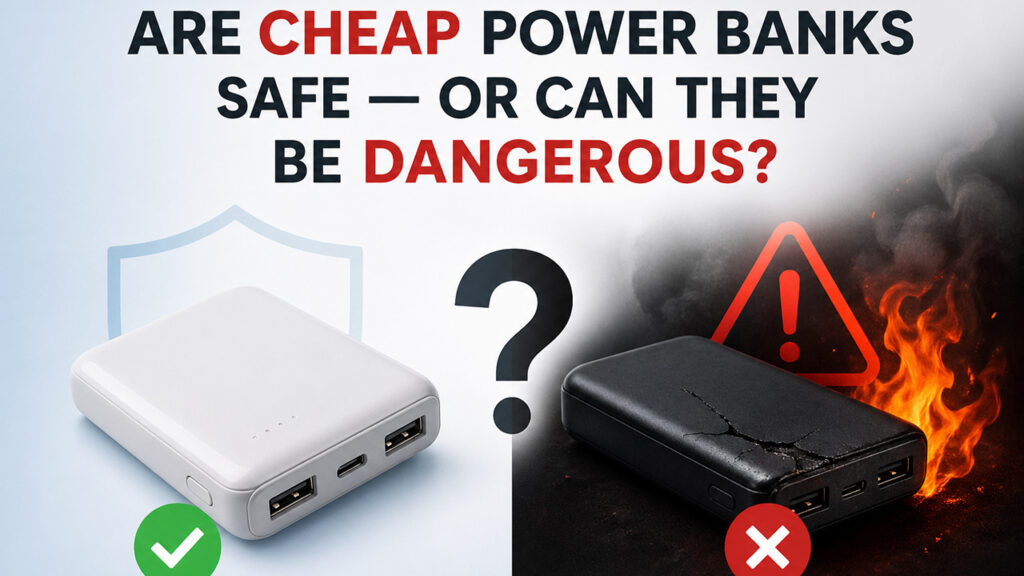
Fast charging feels useful, but many users worry it quietly shortens battery life. The truth depends less on speed alone and more on heat control.
Fast charging is not automatically bad for your phone battery. Modern phones control charging speed, especially near 80 percent. The main battery risks are heat, poor chargers, damaged cables, heavy use while charging, and long-term high battery stress.
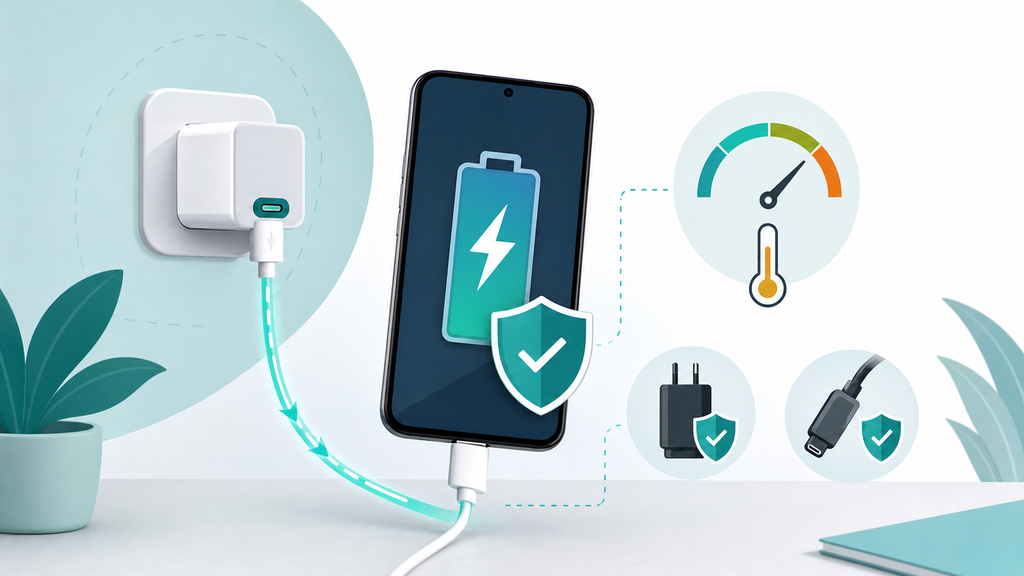
Many customers ask me this before buying a fast charger, power bank, or wireless charging product. They want speed, but they do not want returns, swollen batteries, or angry reviews. That balance is where good product design matters.
Does Fast Charging Damage Battery Health?
Users often blame fast charging for every battery health drop. That is too simple, because all rechargeable batteries age with use.
Fast charging can add battery stress if it creates excess heat, but a proper phone and charger manage power automatically. Battery health is affected by charge cycles, temperature, high battery level time, battery age, software control, and accessory quality.
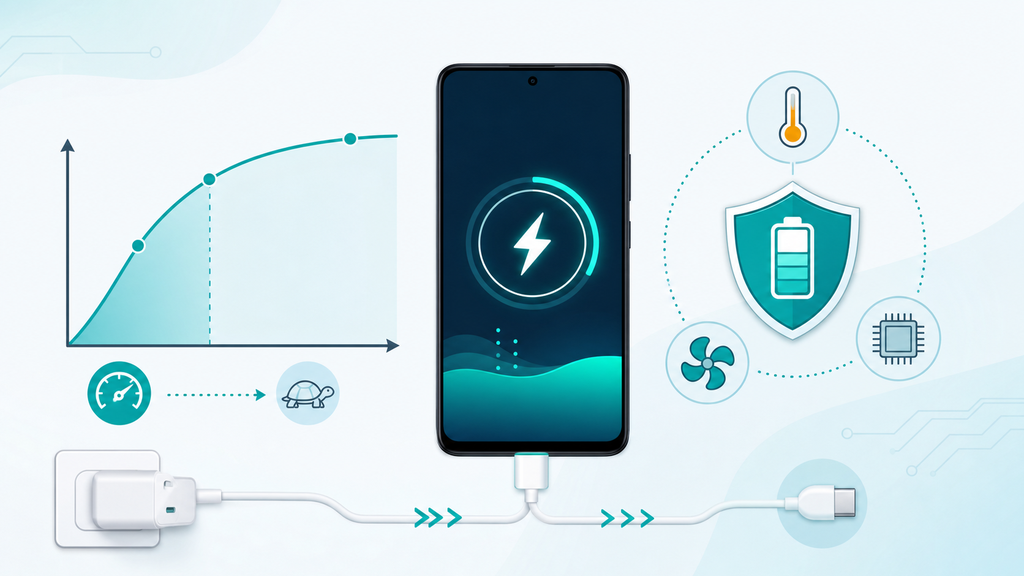
Apple explains that lithium-ion batteries use fast charging to reach about 80 percent capacity, then switch to slower trickle charging.1 That detail is important. Modern charging is not one fixed speed from empty to full. Phones usually charge faster when the battery is low, then reduce current as the battery fills. This protects the battery and controls heat.
Apple also says rechargeable batteries are consumable components that become less effective as they chemically age.2 In practical terms, battery health will decline over time even if the user never fast charges. The question is whether a habit or accessory makes that decline faster than necessary.
In manufacturing, I see battery aging as a mix of chemistry, heat, and user behavior. Fast charging is one factor, but it is rarely the only factor. A phone charged quickly in open air with a good charger may have less stress than a phone charged slowly under a pillow in a hot room. A damaged cable can be worse than a higher-watt charger.
| Factor | Effect On Battery Stress | Practical Meaning |
|---|---|---|
| Heat | Speeds chemical stress | Keep the phone cool |
| High battery level | Can add long-term stress | Use optimized charging if available |
| Deep cycles | Adds wear over time | Avoid draining to zero often |
| Poor charger | May run hot or unstable | Use reliable accessories |
| Heavy use while charging | Adds load and heat | Pause gaming or navigation if hot |
Many people ask whether a 30W, 45W, or 65W charger will damage a phone. A properly designed USB-C charger should not force full wattage into the phone. The phone requests what it can accept. If the phone supports only a lower charging level, it will not use the charger’s full rating. USB Power Delivery is designed around this negotiation idea, allowing devices to receive the power they require.3
This does not mean every product with a USB-C port is good. A charger can claim fast charging while using poor components, weak thermal design, or unstable firmware. A cable can look fine but have poor connector fit or insufficient current capacity. These weak points can create heat, unstable charging, and user complaints.
For EverGreat projects, I do not treat fast charging as a single marketing number. I test charging speed, shell temperature, cable connector temperature, protocol negotiation, multi-port behavior, and user comfort. A good fast charger should feel predictable, not aggressive.
When Does Fast Charging Become A Problem?
Fast charging becomes risky when users ignore the conditions around it. Speed is only useful when heat and compatibility stay under control.
Fast charging becomes a problem when the phone gets hot, the cable connector warms, the charger smells or buzzes, charging starts and stops, the phone is used heavily while charging, or accessories are low-quality, damaged, or incompatible.
Apple says iPhone, iPad, iPod, and Apple Watch work best in ambient temperatures from 32 degrees to 95 degrees Fahrenheit, or 0 degrees to 35 degrees Celsius.2 Google gives similar practical guidance for Pixel phones, noting that charging can slow when the phone gets too hot and users may need to let the phone cool.4
These official recommendations match what I see in sample testing. Fast charging creates more heat than low-power charging when the phone accepts higher current. That heat is normal within limits. The problem starts when heat cannot escape or when the accessory chain has a weak point.
| Warning Sign | Likely Cause | What To Do |
|---|---|---|
| Phone is uncomfortable to hold | Heat buildup or heavy app use | Stop heavy use and let it cool |
| Cable connector is warm | Poor contact or damaged cable | Replace the cable |
| Charging pauses repeatedly | Phone thermal protection | Move to a cooler place |
| Charger shell is very hot | Weak thermal design or overload | Stop using the charger |
| Speed drops only with one cable | Cable limitation | Test a better cable |
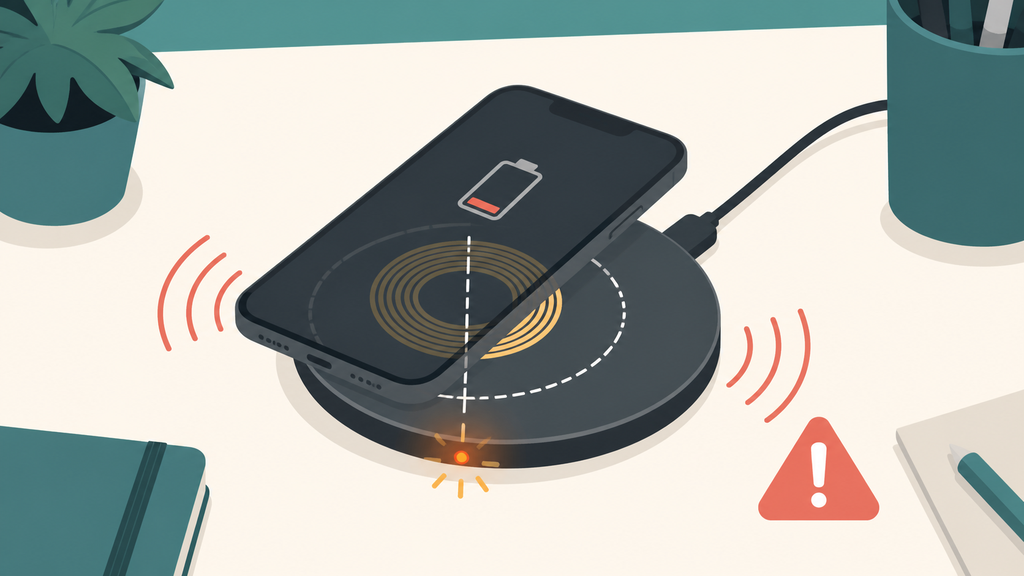
| Wireless pad gets hot | Coil misalignment or case issue | Remove case and realign |
Wireless fast charging deserves extra attention. It is convenient, but it is less direct than wired charging. Coil alignment, case thickness, magnets, and adapter input all affect efficiency. If alignment is poor, more energy becomes heat. A magnetic wireless power bank may be convenient while traveling, but it should be tested carefully for temperature and case compatibility.
Another common problem is using the phone heavily while fast charging. Gaming, navigation, video calls, and high screen brightness add load. The phone is receiving power while also consuming power. The battery percentage may rise slowly, and heat may increase. Users then blame the charger, but the real issue is total system load.
For brands, the risky moment is not only safety. It is expectation mismatch. If the package promises "fast charge" but the user’s phone slows down because it is hot, the user may think the product is defective. Clear manuals and product pages should explain that fast charging speed depends on phone model, battery level, temperature, cable, and adapter.
For private-label buyers, I suggest asking suppliers for thermal test data, protocol test screenshots, cable specifications, aging test results, and protection design information. Fast charging should be supported by evidence, not only printed wattage.
How Can You Fast Charge More Safely?
Most users do not need to avoid fast charging. They need a better setup and better habits.
To fast charge more safely, use a quality charger and cable, charge in open air, avoid heat, remove thick cases if needed, stop heavy app use when warm, and replace accessories that feel loose, damaged, or unusually hot.
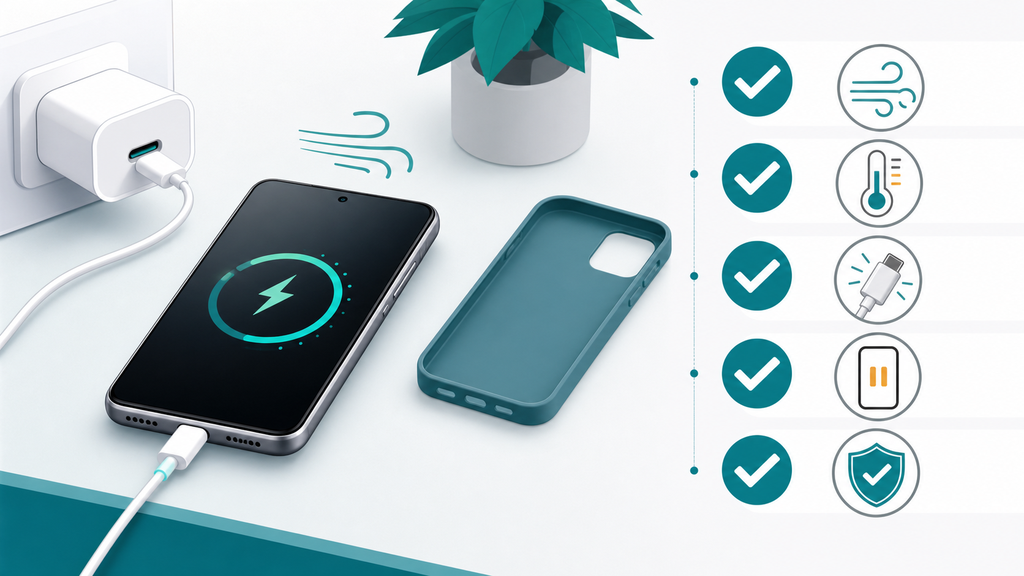
Start with the cable. A good cable should fit firmly and support the charging current needed for the device. If the connector wiggles, warms, or disconnects, stop using it. Cable quality is often the cheapest part of the setup, but it can create the biggest daily annoyance.
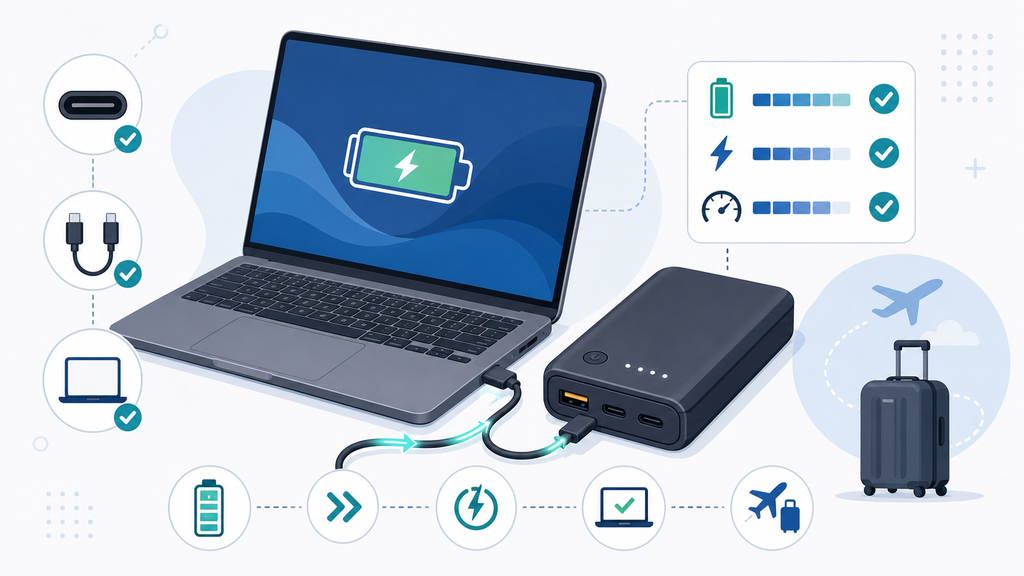
Next, match the charger to the device. A USB-C PD charger is a good choice for many modern phones, tablets, and power banks, but the supported power level depends on the device. A higher-watt charger can be useful for a laptop or tablet, but a phone will still limit what it accepts. The goal is stable compatibility, not the largest number on the box.
| User Goal | Better Habit | Why It Helps |
|---|---|---|
| Protect battery health | Enable optimized charging if available | Reduces long high-charge stress |
| Reduce heat | Charge on a hard open surface | Improves airflow |
| Keep speed stable | Use a proper USB-C cable | Supports negotiation and current |
| Avoid connector issues | Replace worn cables | Reduces heat and disconnects |
| Improve travel charging | Use tested power banks | Prevents unstable output |
| Reduce complaints | Explain speed conditions | Sets realistic expectations |
For everyday users, I would not chase 100 percent all the time. If your phone offers optimized charging or a charge limit setting, use it when it fits your routine. If you need a full battery before travel, fast charging is useful. If the phone is already warm, let it cool before charging quickly.
For brands and importers, safe fast charging starts before production. Test with common phone models. Test from low battery and mid battery. Test at normal and warm room temperatures. Test with the exact cable in the package. Test multi-port chargers when two or three devices are connected. Test power banks near empty battery, because some products behave differently at low remaining capacity.
EverGreat customers often ask whether faster specifications help sales. Sometimes they do. But a stable 30W or 45W product with clear compatibility can outperform a higher-watt model that runs hot or confuses users. The best fast-charging product is not just fast. It is predictable, documented, and tested under realistic use.
My practical advice is simple. Use fast charging when you need speed. Use quality accessories. Watch heat. Do not ignore damaged cables. If a product gets unusually hot or unstable, stop using it. Fast charging should feel like convenience, not a gamble.
Conclusion
Fast charging is usually safe with good accessories and heat control. Battery stress comes mainly from heat, poor products, and unrealistic usage conditions.
-
Apple, Batteries – Why Lithium-ion?. ↩
-
Apple, Batteries – Maximizing Performance. ↩ ↩
-
USB Implementers Forum, USB Charger (USB Power Delivery). ↩
-
Google Pixel Phone Help, Charge your Pixel phone. ↩