A wireless charger that suddenly stops working can feel mysterious, especially when the phone and cable both look normal.
A wireless charger may not work because the phone is misaligned, the case is too thick, the power adapter is too weak, foreign objects block charging, the phone is too hot, the charger is incompatible, or the cable and adapter cannot supply enough stable power.
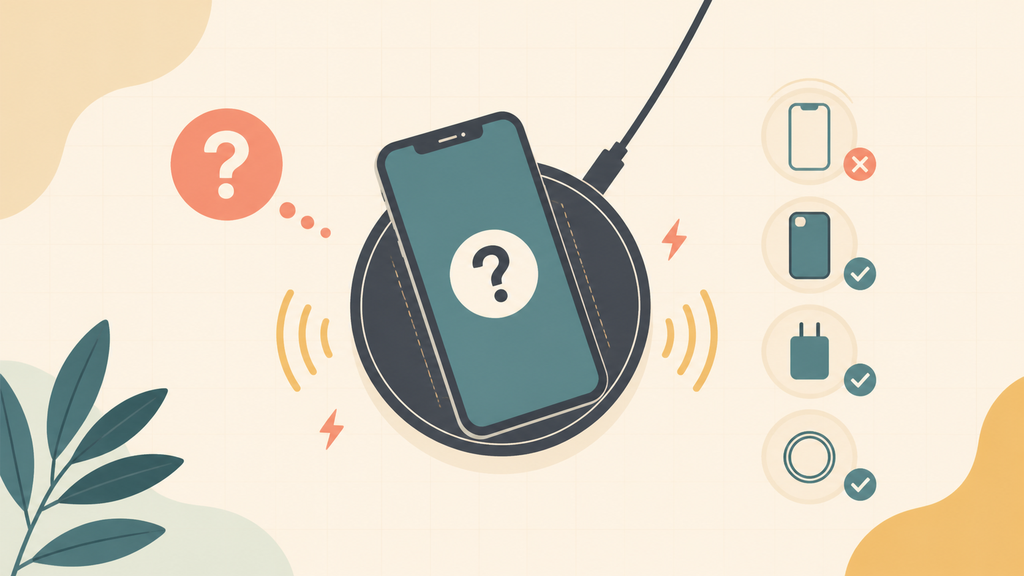
Most wireless charging problems are not caused by one dramatic failure. They come from small mismatches in alignment, power, heat, case design, or product quality. I have seen many support cases where the charger was blamed first, but the real issue was the whole charging setup.
Why Does A Wireless Charger Start And Stop Charging?
Start-stop charging is usually a sign that the system cannot keep a stable charging condition.
A wireless charger starts and stops when the phone moves away from the charging coil, the case blocks power transfer, the adapter cannot supply enough power, heat protection activates, or foreign object detection interrupts charging for safety.
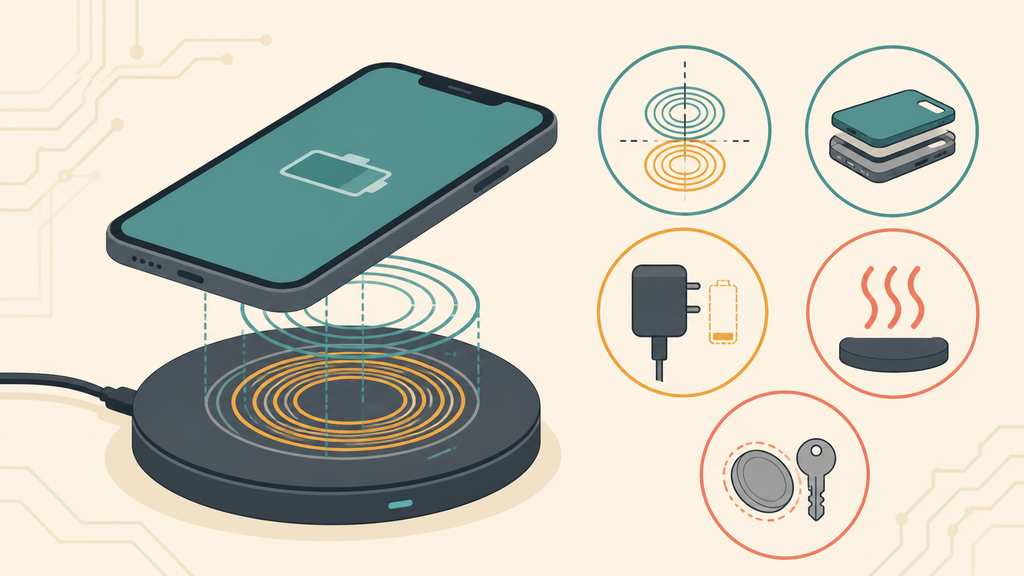
Wireless charging depends on coil alignment. The charger has a transmitting coil. The phone has a receiving coil. When the two coils are not aligned well, power transfer becomes weak or unstable. The phone may show charging for a few seconds, then stop.
This is why a phone can charge on one pad but not another. A flat charging pad gives users more freedom to place the phone, but it also gives them more ways to miss the sweet spot. A magnetic charger or Qi2-style design can improve alignment because the phone is guided into position. The Wireless Power Consortium describes Qi as a global wireless charging standard and Qi2 as using a magnetic power profile to improve alignment and efficiency.1
Phone cases are another common cause. A thick case, metal plate, wallet case, ring stand, magnetic accessory, or pop-out grip can block or disturb wireless charging. The phone may charge slowly, stop repeatedly, or heat more than expected. Many users do not connect the problem to the case because the case works fine for normal handling.
The power adapter also matters. A wireless charger is not powered by magic. It needs a stable input from a wall charger and cable. If the adapter is too weak, the pad may power on but fail under load. If the cable is poor, voltage drop can create instability. This is why a wireless charger bundle should be tested as a full set, not as separate parts.
| Possible cause | What users notice | Practical check |
|---|---|---|
| Misalignment | Charging starts then stops | Reposition phone slowly |
| Thick case | Slow or no charging | Remove the case |
| Weak adapter | Pad lights but phone does not charge | Try the recommended adapter |
| Heat protection | Charging pauses after a while | Let phone and charger cool |
| Foreign object | Charger blinks or stops | Remove coins, keys, metal plates |
Foreign object detection is a safety feature, not a defect. If metal objects such as coins, keys, or magnetic plates sit between the phone and charger, they can heat up. A good charger should detect abnormal conditions and stop output.
In manufacturing, this is why I do not like judging a wireless charger only by rated watts. Coil position, magnetic alignment, thermal design, firmware behavior, input power, and case compatibility shape the real user experience. The charger with the best specification is not always the charger with the fewest support tickets.
Is The Problem The Phone, The Case, Or The Wireless Charger?
The fastest way to find the cause is to separate the system into parts.
To identify the problem, test the phone without a case, use the recommended power adapter and cable, clean the charging surface, try another compatible phone, and check whether the phone charges normally with a cable. This separates phone, case, adapter, cable, and charger issues.
Apple says iPhone works with Qi-certified chargers and notes that charging can slow or stop if the iPhone becomes too warm.2 That is a useful reminder. Wireless charging creates heat because power transfers through coils instead of a direct metal contact. Some warmth is normal, but too much heat can interrupt charging.
Samsung also advises checking phone placement, removing accessories or thick covers, and making sure the charging pad is connected properly when wireless charging does not work.3 These are simple checks, but they solve many real complaints.
I usually recommend this troubleshooting order. First, remove the case. Second, use the original or recommended wall adapter. Third, place the phone in the center of the pad and wait a few seconds. Fourth, test another phone. Fifth, test the same phone by cable. This avoids guessing.
| Test step | What it tells you |
|---|---|
| Remove case | Shows whether the case blocks charging |
| Change adapter | Shows whether input power is weak |
| Change cable | Shows whether voltage drop is causing instability |
| Try another phone | Shows whether the charger works generally |
| Cable-charge the phone | Shows whether the phone battery or port is abnormal |
Many users skip the adapter test. They plug a wireless charger into an old 5W adapter and expect fast wireless charging. The pad may turn on, but the system does not have enough input power. For brands, this is a packaging issue as much as a technical issue. If the product needs a 20W or higher adapter, the instruction should say so clearly.
Case compatibility also needs honest messaging. If a charger is designed for naked phones or slim cases, the product page should not imply it works through any case. Thick cases and metal accessories create returns because the customer expects invisible power transfer through everything. Physics does not care about marketing copy.
For EverGreat projects, I like to build a small compatibility matrix. It includes popular phones, common case types, recommended adapters, cable types, alignment positions, and heat checks. This makes support easier later because the team knows the product limits before customers discover them.
What Should Buyers Check Before Sourcing Wireless Chargers?
Wireless charger sourcing should focus on user behavior, not only lab wattage.
Buyers should check Qi or Qi2 compatibility, coil alignment tolerance, magnetic strength, heat rise, foreign object detection, adapter requirements, case compatibility, charging stability, packaging instructions, and sample performance with target phones before sourcing wireless chargers.
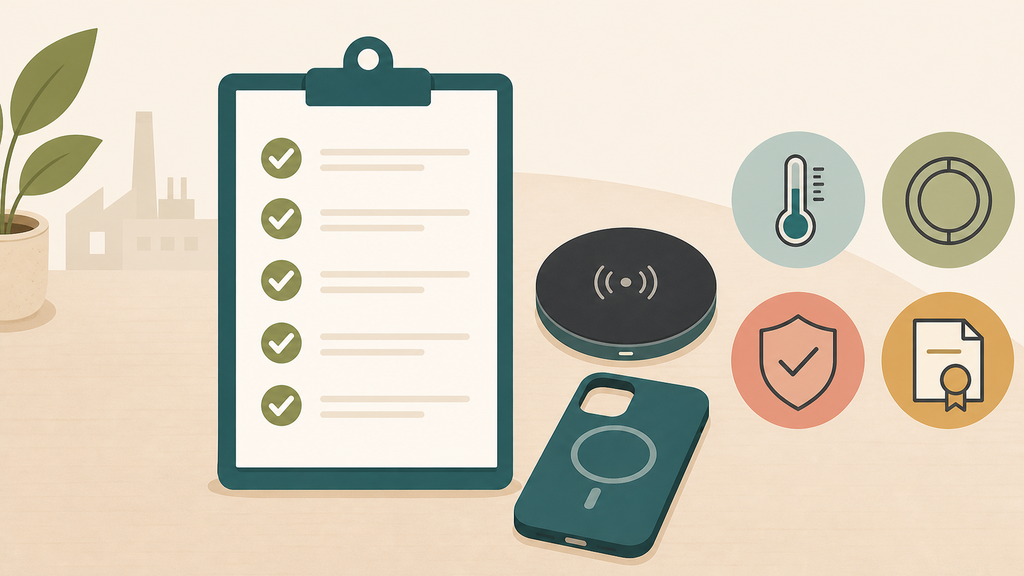
The first checkpoint is standard and compatibility. If the product claims Qi or Qi2 support, buyers should understand what that means for the target market and product type. Standards help reduce compatibility uncertainty, but they do not replace product testing with real phones and cases.
The second checkpoint is alignment tolerance. A charger that works only when the phone is placed perfectly may pass a supplier demo but disappoint users. A magnetic design may improve placement, but magnet strength and ring position still need testing. Too weak and the phone slips. Too strong or poorly placed and the user experience feels awkward.
The third checkpoint is thermal control. Wireless charging can be less efficient than wired charging, so heat management matters. Buyers should test temperature under realistic conditions: warm room, phone case, long charging session, and normal phone background activity. A product that pauses charging too often may look safe but still frustrate users.
The FCC describes wireless power transfer devices as intentional radiators that may require equipment authorization depending on design and operating conditions.4 For importers, this means compliance cannot be left until the end. Wireless charging products combine power electronics and radio-frequency behavior, so documentation planning should start early.
| Buyer checkpoint | What to ask supplier | Why it matters |
|---|---|---|
| Qi or Qi2 claim | What standard and product category? | Prevents vague compatibility claims |
| Coil alignment | How large is the charging sweet spot? | Reduces start-stop complaints |
| Heat rise | What happens during long charging? | Protects user experience |
| FOD behavior | How does it react to metal objects? | Supports safety |
| Adapter requirement | What input power is needed? | Prevents underpowered setups |
| Case testing | Which case thickness was tested? | Reduces returns |
I often see buyers ask for the highest wattage first. A better first question is "What phone, case, adapter, and use scenario are we designing for?" A nightstand charger, car charger, travel foldable charger, and promotional pad all need different priorities.
EverGreat can help buyers define those priorities before tooling or bulk order. For a simple promotional pad, clear instructions and stable 5W or 7.5W charging may matter more than chasing the biggest number. For a premium Qi2 magnetic charger, alignment, heat, packaging, and certification support become central to the product promise.
The best wireless charger is not the one that works once in a supplier video. It is the one that keeps working in normal homes, offices, hotel rooms, bags, and retail customer hands. That requires practical testing before the purchase order.
Conclusion
A wireless charger usually fails because of alignment, case, adapter, heat, or compatibility issues. Test the whole charging setup before blaming one part.
-
Wireless Power Consortium, Qi Wireless Charging. ↩
-
Apple Support, How to wirelessly charge your iPhone. ↩
-
Samsung Support, Wireless charging is not working on Galaxy phone or tablet. ↩
-
Federal Communications Commission, Equipment Authorization Guidance For Wireless Power Transfer Devices. ↩