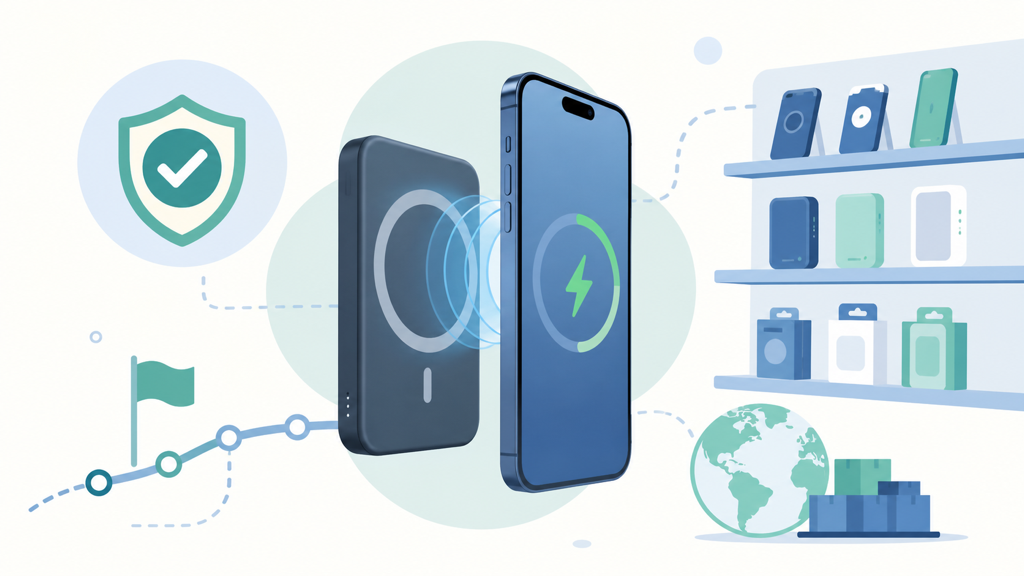
Built-in cables look convenient, but a poorly designed cable can create breakage, warranty claims, and a product that feels less flexible than a standard port-based power bank.
Brands should add a built-in cable when convenience, compactness, and the target device ecosystem justify it. They should avoid it when users need many connector types, easy replacement, or high long-term repairability.
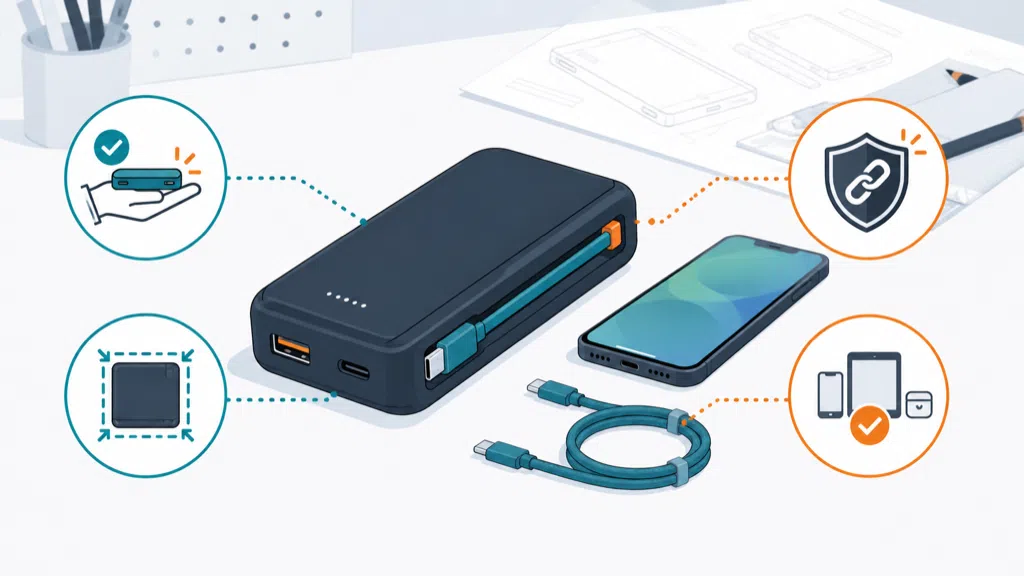
I have seen customers choose an attached cable because it makes the product look complete in a product photo. The real decision is more serious: the cable becomes part of the mechanical design, electrical specification, quality plan, and after-sales experience.
What Benefits Can A Built-In Power Bank Cable Provide?
A built-in cable can reduce the number of loose accessories, improve portability, and make the power bank easier to use immediately after purchase.
A built-in cable can improve convenience by keeping the charging lead attached to the power bank, reducing forgotten cables, saving package space, and supporting a clear use case such as travel, emergency charging, or promotional distribution.
The strongest benefit is availability. A customer can take the power bank from a bag and connect a device without searching for a separate cable. This matters for commuters, travelers, event attendees, and users who keep an emergency charger in a car or desk drawer.
The attached cable also creates a clear visual message. A retailer can show the product as a complete charging solution rather than a battery with an accessory purchased separately. For a private-label brand, this can simplify the product story and make the package easier to understand.
There are practical packaging benefits too. If the cable folds into a groove or wraps around the shell, the package may need fewer loose components. This can reduce the chance that a cable is missing from a retail box. It can also make a promotional product easier to distribute because the recipient does not need to receive a separate accessory.
| Potential benefit | Why customers notice it | Design question |
|---|---|---|
| Always available | The cable is attached to the product | Where can it rest without blocking ports? |
| Fewer loose parts | Less searching in a bag | Does the cable support the target devices? |
| Compact kit | Easier to package and carry | Does the folded cable add thickness? |
| Strong product story | Looks ready to use | Are compatibility limits explained? |
| Promotional value | Useful branded object | Can the cable survive repeated handling? |
A built-in cable can also support a narrow product strategy. A brand serving mainly USB-C phones may prefer a USB-C-to-USB-C cable. A brand serving older devices may need a different connector or an additional port. The right choice depends on the actual customer base, not only on what is easiest to source.
In my experience, the most successful designs start with a defined user journey. If the product is for a modern travel kit, an attached USB-C cable may be useful. If the product will be sold to a broad audience with mixed devices, a removable cable plus multiple ports may create fewer compatibility complaints.
The cable must also support the advertised power. A power bank can have a high-output USB-C port, but the attached cable may be designed for a lower current or a different charging role. USB-IF documentation explains that USB Type-C products and cable assemblies have defined mechanical and electrical requirements, and that higher-power use cases may depend on the cable capability.1
This is why the product page should not describe a cable only as “fast charging.” State the connector, charging role, supported power, and whether data transfer is supported. A cable used only for charging should not be assumed to work as a high-speed data cable.
What Risks Should Brands Consider Before Adding An Attached Cable?
An attached cable adds a failure point that cannot be replaced as easily as a separate cable, and it can limit compatibility, repair options, and future product updates.
The main risks are cable fatigue, connector damage, poor strain relief, water or dust exposure, limited connector compatibility, unclear power ratings, and higher replacement difficulty after the cable wears out.
A loose cable can be replaced. An attached cable usually requires a repair decision or a product replacement. That difference changes the warranty cost. If a customer uses the cable several times a day, the bending point near the enclosure may experience thousands of cycles during the product’s life.
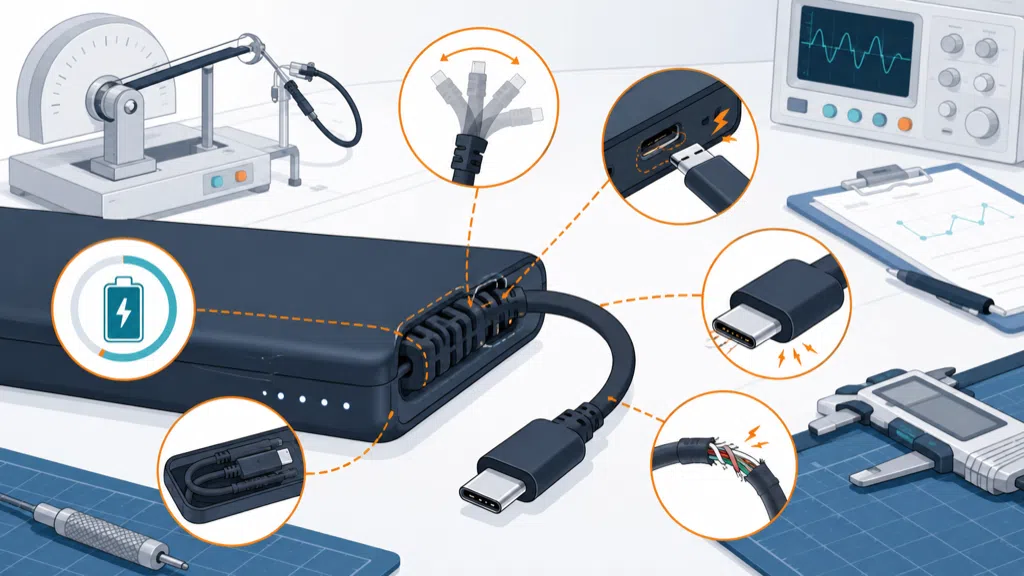
The mechanical transition is the critical area. The cable should not leave the shell at a sharp angle. The strain relief must spread bending force instead of concentrating it at the connector or solder joint. A groove or storage channel should hold the cable without forcing a tight bend every time it is packed away.
A design can pass a visual inspection and still fail in use. I recommend testing the cable while it is being pulled from its storage position, bent near the housing, twisted lightly, and used while the phone is resting on a table. Test both the cable and the shell because the cable can transfer force into the enclosure.
| Risk | Typical customer complaint | Manufacturing response |
|---|---|---|
| Cable fatigue | Charges only at certain angles | Bending and strain-relief testing |
| Connector damage | Plug feels loose or stops fitting | Check connector retention and shell support |
| Wrong power expectation | “Fast charging” is slower than expected | Verify cable current and PD behavior |
| Connector mismatch | Cable does not fit the customer’s device | Define target device list clearly |
| Storage damage | Cable will not sit in its groove | Test repeated winding and unwinding |
| Non-repairable failure | Whole product becomes inconvenient | Set warranty and replacement policy |
Connector choice creates another tradeoff. USB-C is versatile, but not every USB-C cable has the same data or power capability. USB-IF’s cable documentation distinguishes different cable capabilities and provides compliance guidance for Type-C products.2 A brand should not use the presence of a USB-C plug as proof that every USB-C feature is supported.
The attached cable can also interfere with the power bank’s other ports. If the cable is wrapped around the body, it may cover the indicator, block a second connector, or make the product uncomfortable in a pocket. If the cable hangs loose, it may catch on another object or place stress on the connector.
Ingress protection and contamination deserve attention. A cable exit creates an opening or flexible interface in the enclosure. Dust, moisture, and repeated outdoor use can expose the internal assembly to more stress. The correct protection depends on the product’s intended environment. Do not promise water resistance simply because the shell looks sealed.
Compliance and documentation should be planned with the complete product. IEC 62133-2 covers safety requirements and tests for portable sealed secondary lithium cells and batteries, including reasonably foreseeable misuse.3 Adding a cable does not remove battery obligations, and the revised enclosure or circuit layout may affect the test plan.
For brands, the right question is not “can we attach a cable?” It is “does the attached cable solve a problem that is important enough to accept a new warranty risk?” If the answer is unclear, a removable cable may be the better product decision.
How Should Buyers Validate A Built-In Cable Power Bank?
Buyers should validate the cable as a complete subsystem through compatibility, power, mechanical, thermal, production, and after-sales testing before approving mass production.
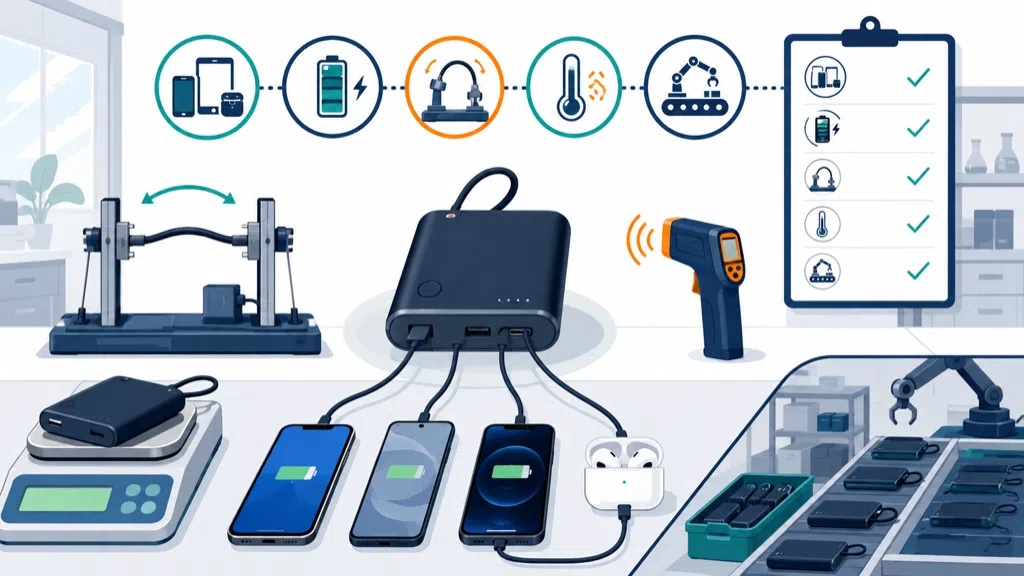
Before launch, buyers should test cable bending, connector fit, charging power, device compatibility, storage durability, simultaneous port use, temperature, labeling, and replacement policy with production-intent samples.
I recommend starting with a compatibility matrix. List the devices the product will support, the connector used by the attached cable, the expected charging mode, and the fallback ports. Include the devices that create the largest expected load and the devices most likely to be carried by the target customer.
Then define the cable’s electrical role. Is it an input cable for recharging the power bank, an output cable for charging another device, or a two-way cable? If it supports both directions, verify the behavior when a phone and wall charger are connected at the same time. Confirm which port controls the power direction and how the product protects against unexpected combinations.
Testing should cover more than one sample. The engineering sample can hide assembly variation. A pilot run can reveal differences in cable length, connector alignment, overmolding, shell fit, and strain relief. Record the results instead of approving by feel.
| Test area | What to check | Why it matters |
|---|---|---|
| Fit | Connector insertion and retention | Prevents loose or difficult connections |
| Power | Input and output under defined conditions | Supports accurate product claims |
| Compatibility | Target phones, tablets, and accessories | Reduces returns |
| Mechanics | Repeated bending and storage | Predicts cable life |
| Heat | Cable, connector, and shell temperature | Protects user comfort |
| Multi-port use | Attached cable plus other ports | Confirms power sharing |
| Packaging | Cable position and unpacking | Prevents damage before use |
The manual should explain what the cable does and does not support. Tell users whether it carries data, whether it supports laptop charging, which devices need an adapter, and how to store the cable without damaging it. Clear instructions reduce support tickets more effectively than broad compatibility language.
The product page should also make the cable visible in the warranty policy. If a cable is permanently attached, define how cable damage is handled. A brand may decide to replace the full product, offer a limited cable warranty, or provide a repair route through the manufacturer. This decision affects the landed cost and customer-service workload.
For OEM and ODM projects, I advise buyers to approve the cable and enclosure together. Changing the cable after the mold is complete can affect the exit shape, internal routing, bend radius, connector position, and packaging tray. A late cable change is rarely just a component substitution.
EverGreat usually helps customers compare three designs: a power bank with one attached cable, a power bank with a removable short cable, and a standard power bank with ports only. The attached option often wins when portability and immediate use are the priority. The port-only option often wins when flexibility and long service life matter more.
A well-designed attached cable is not an automatic upgrade. It is a product promise. If the cable is comfortable, reliable, correctly rated, and matched to the market, it can make the product easier to use. If it is fragile or poorly explained, it can turn convenience into the main return reason.
Conclusion
Add a built-in cable only when its convenience outweighs compatibility, durability, repair, and warranty tradeoffs. Validate the cable as part of the whole product.
-
USB Implementers Forum, USB Charger and USB Power Delivery information. ↩
-
USB Implementers Forum, USB Type-C Cable and Connector Specification. ↩
-
International Electrotechnical Commission, IEC 62133-2 safety requirements. ↩