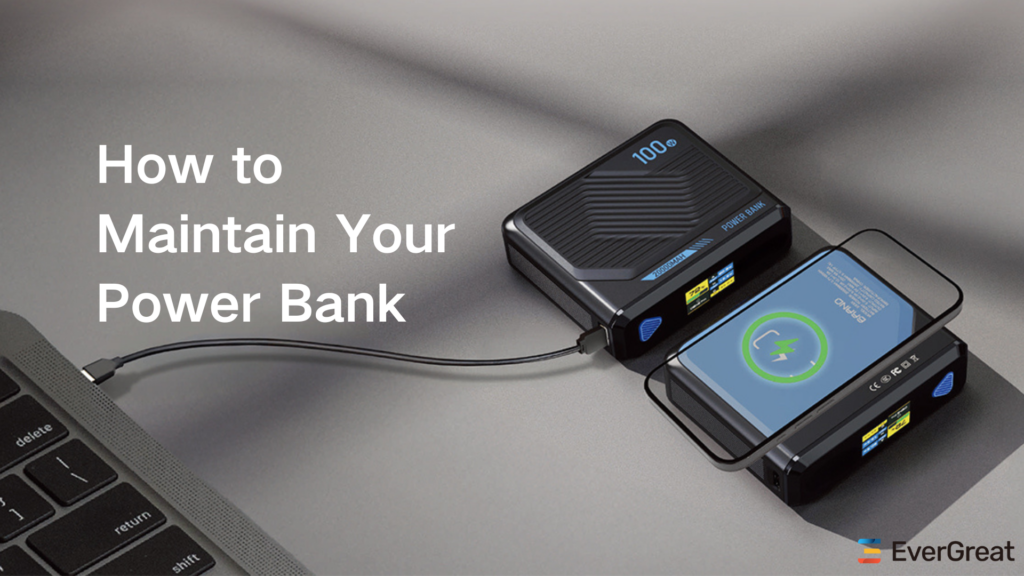
A digital display can make a power bank feel smarter, but it can also add cost, standby consumption, breakage risk, and a new source of customer confusion.
Brands should add a digital display when accurate battery visibility is central to the product experience. They should avoid it when low cost, slim size, ruggedness, or maximum standby time matters more.
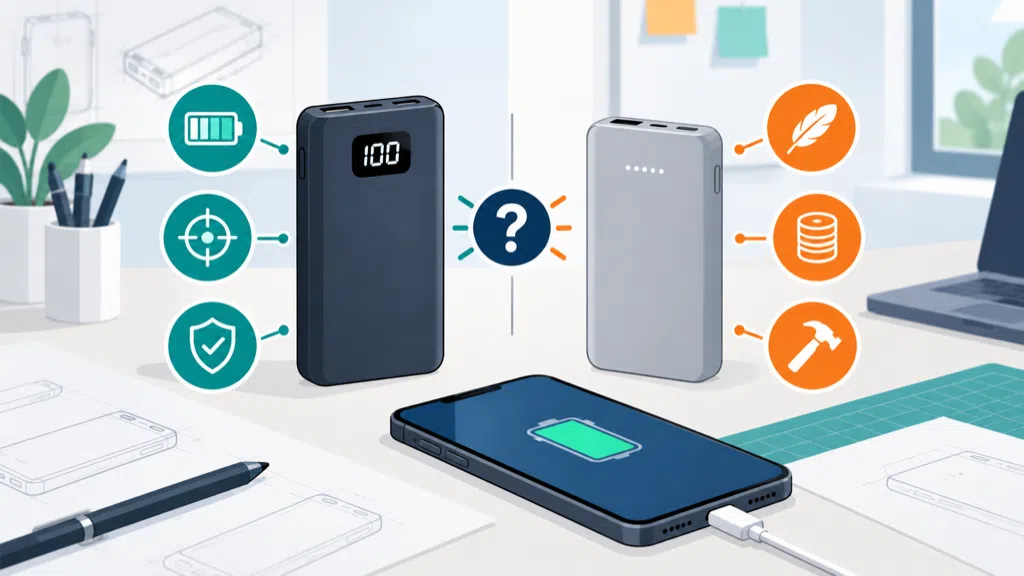
I have seen brands request a percentage screen because it looks premium in a product rendering. Before approving it, I ask what decision the customer will make with that information and whether the added electronics justify the tradeoffs.
What Customer Problem Does A Digital Power Bank Display Solve?
A digital display gives users a more precise view of remaining battery than a few LED dots, which can reduce uncertainty during travel and daily use.
A digital display helps users estimate remaining power, see charging progress, and understand whether the power bank is active. Its value is highest when customers need better planning than a simple four-light indicator provides.
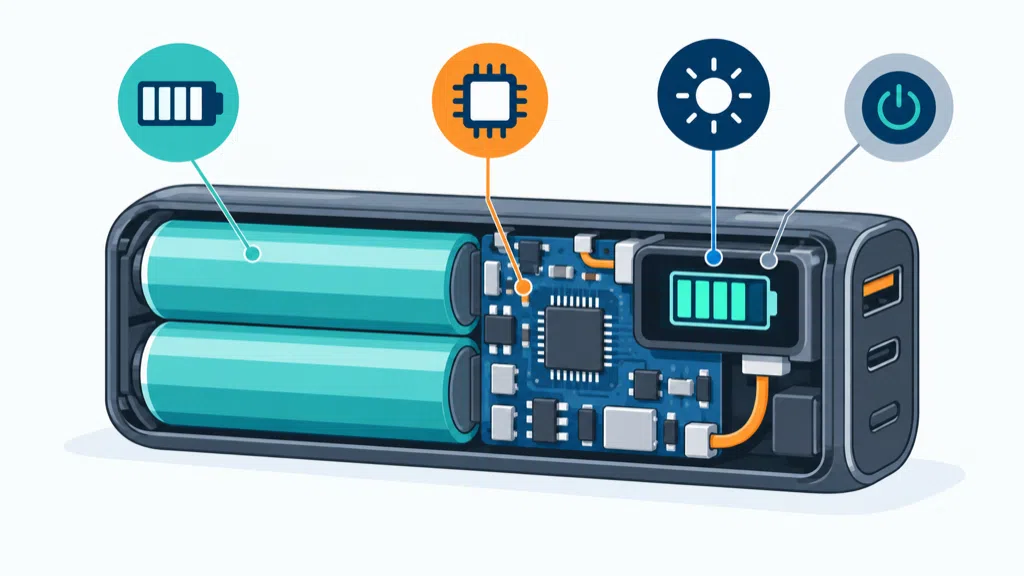
LED indicators are simple and inexpensive. They can show broad levels such as full, medium, or low. A digital display can show a percentage or a more detailed status, which may help a traveler decide whether to recharge before leaving a hotel or airport.
The display can also make the product easier to explain. A customer who sees a percentage may understand the remaining energy faster than a customer who has to interpret blinking lights. For a premium product, the screen can become part of the user experience and support a higher perceived value.
But accuracy matters more than appearance. A screen that says 80% and then drops quickly can create more frustration than four simple LEDs. The displayed value is an estimate based on battery voltage, current flow, temperature, load, and the product’s battery-management logic. It is not a direct measurement of how many phone charges remain.
| Display approach | Main advantage | Main limitation |
|---|---|---|
| Four LED dots | Low cost and low complexity | Broad battery estimate |
| Percentage display | Easier to interpret | Requires calibration and power |
| Segment display | Good visibility and simple icons | Limited information |
| Small color screen | More information and branding space | Higher cost and more failure points |
| App-connected status | Remote information and logs | Requires software and pairing support |
The display may also answer a support question. If the product shows input and output activity, users can see whether the power bank is recharging or supplying power. That can help distinguish a flat battery from a cable or port problem. However, the display must communicate status consistently. A battery percentage without a charging symbol may still leave the user uncertain.
The target channel changes the value. A travel brand may benefit from a visible battery level. A promotional product may need a simple, durable design that works without a manual. A distributor selling entry-level accessories may find that the display adds price without improving sell-through.
The electronics around the display should be included in the power budget. The display may draw power while active, and the controller may consume a small amount while monitoring the battery. The amount depends on the design, display type, brightness, timeout, and firmware. A brand should measure it rather than assume it is insignificant.
Digital displays can also support product differentiation without changing the battery capacity. Two products with the same cells may serve different price tiers through display, materials, ports, or software. That strategy can work when the display is reliable and the product story is clear.
USB Power Delivery adds another reason to show status. A user may connect a laptop, tablet, or phone and expect a certain charging behavior. USB-IF describes USB Power Delivery as a negotiated power system that allows a device to request power within the available capabilities.1 A display cannot replace correct negotiation, but it can help users see that a higher-power connection is active.
The best display is therefore not the one with the most information. It is the one that answers the customer’s most important question quickly: “How much useful power do I have left, and is the product working as expected?”
What New Risks Does A Digital Display Add To Product Design?
A digital display adds a window, circuit, control method, and calibration requirement, so it can increase cost and create new cosmetic, mechanical, electrical, and after-sales risks.
The main risks are inaccurate readings, cracked or scratched windows, accidental activation, extra standby drain, display failure, poor visibility, firmware errors, and a housing that is harder to seal or assemble.
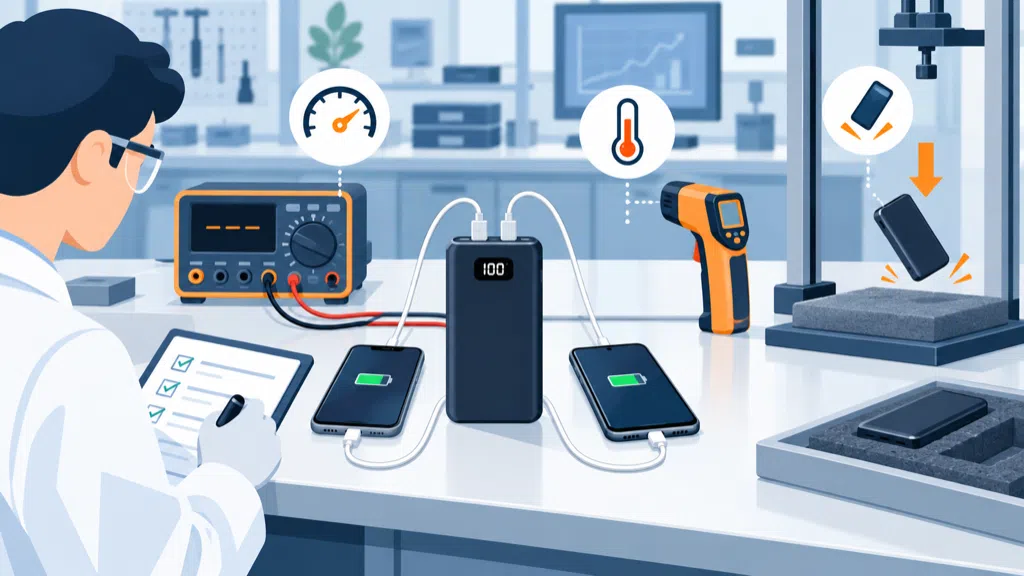
The front window changes the enclosure. It may need a transparent part, light guide, adhesive, gasket, or separate display module. Each interface can affect dust protection, drop performance, cosmetic quality, and assembly time. A design that looks clean in a prototype may show light leakage or uneven gaps in mass production.
Visibility is another tradeoff. A display that looks clear indoors may be hard to read outdoors. A bright display can improve readability but increase power consumption. A dark display may save energy but create complaints from travelers who need to check the battery quickly.
Calibration requires a defined method. Lithium battery voltage changes with load and state of charge, but the relationship is not perfectly linear. The controller needs a way to estimate the displayed percentage across charging, discharging, rest periods, and different loads. The estimation should be tested at low, medium, and high current.
| Risk | User symptom | Buyer action |
|---|---|---|
| Poor calibration | Percentage drops unexpectedly | Test multiple loads and battery states |
| Window damage | Scratches or cracks after handling | Add drop and abrasion testing |
| Standby drain | Product loses charge while stored | Measure sleep current and timeout |
| Outdoor visibility | Screen is hard to read | Test under bright light |
| Firmware error | Display freezes or resets | Test connection and power cycles |
| Assembly variation | Uneven gap or light leakage | Define cosmetic limits and inspection |
| Accidental activation | Screen wakes in a bag | Test button and wake behavior |
A display can also create false confidence. Users may see “100%” and assume the product can deliver the same output regardless of device, cable, or temperature. Packaging should explain that the display shows remaining battery estimate, not guaranteed phone runtime.
Safety planning remains important because the display does not make the battery safer. IEC 62133-2 specifies safety requirements and tests for portable sealed secondary lithium cells and batteries under intended use and reasonably foreseeable misuse.2 The display, controller, enclosure, and cell arrangement should be considered together during product review.
A display can complicate repairs. If the screen is integrated into the front shell, a minor cosmetic failure may require replacement of the full product. If the display uses a separate flexible cable, that cable becomes another assembly and durability point. The warranty policy should reflect the actual repair route.
For importers, minimum order quantities and spare parts deserve attention. The display may be a custom module with a longer replenishment cycle than a standard LED board. If the module becomes unavailable, a substitute may change the window, firmware, current draw, or tooling. Ask the supplier how component changes are controlled.
The product should also be reviewed for shipping and travel claims. A digital display does not change the battery’s Wh rating, but the complete power bank remains a spare lithium-ion battery for passenger travel. The FAA says power banks must be carried in carry-on baggage and are subject to Wh limits and airline-specific restrictions.3 Avoid suggesting that a screen makes a product automatically travel approved.
The right design decision depends on the customer’s need. If the product is often stored for weeks, low standby drain may matter more than percentage accuracy. If the product is used every day by people with several devices, the display may prevent uncertainty and support the premium position.
How Should Brands Validate A Digital Display Power Bank?
Brands should validate the display as part of the battery-management system through accuracy, visibility, power consumption, mechanical durability, firmware behavior, and user comprehension testing.
Before mass production, buyers should compare displayed percentage with measured battery state, test different loads and temperatures, check wake and sleep behavior, inspect the window after drops, and confirm every display claim in the manual and package.
Start with a display requirement, not a styling request. Define what the screen must show: battery percentage, input status, output status, charging direction, temperature warning, or only a simple level. More information increases development and test work.
Then create a test matrix. Charge the power bank fully, let it rest, discharge it at several defined loads, and record the display at repeatable points. Repeat the test with different devices and cables. Check whether the percentage changes after the load is removed. A displayed value that moves during rest may be normal estimation behavior, but the user experience should remain understandable.
Test the power bank at the beginning, middle, and end of its battery range. Check whether the display stays accurate after repeated cycles. If the product supports multiple ports, test each port alone and in combination. If it supports wireless charging, test the display while the coil is active because that load may produce different heat and current behavior.
| Validation area | Sample check | Acceptance question |
|---|---|---|
| Accuracy | Display versus measured discharge | Is the estimate consistent? |
| Load response | Phone, tablet, and multi-port loads | Does the reading behave predictably? |
| Visibility | Indoor and bright-light conditions | Can the user read it quickly? |
| Sleep mode | Product stored without a device | Is standby drain acceptable? |
| Mechanical | Drop, scratch, and button tests | Does the window survive normal use? |
| Firmware | Reconnect, reset, and recharge cycles | Does the screen recover correctly? |
| User understanding | Short comprehension test | Do buyers interpret the icons correctly? |
The user manual should explain what the percentage represents. If the screen shows battery remaining inside the power bank, say that it is not a guaranteed number of phone charges. If the display turns off automatically, explain how to wake it. If a warning icon appears, explain the required action.
For a private-label product, artwork and firmware should be reviewed together. A change in icon, language, brightness, or timeout can affect how the package describes the feature. Keep the display behavior stable across production batches, or record the approved differences.
EverGreat usually compares a display design with a simpler LED design before recommending one. The display is valuable when the customer makes decisions based on precise status or when the product needs a visible premium feature. The LED design is often better when cost, simplicity, and ruggedness are the main priorities.
A digital display should earn its place in the product. If it is accurate, readable, durable, and clearly explained, it can reduce uncertainty and make the power bank easier to use. If it is added only for appearance, it may become an expensive source of complaints.
Conclusion
Add a digital display when precise status improves the user experience. Validate accuracy, standby drain, visibility, durability, and communication before approving production.
-
USB Implementers Forum, USB Charger and USB Power Delivery information. ↩
-
International Electrotechnical Commission, IEC 62133-2 safety requirements. ↩
-
Federal Aviation Administration, Airline passengers and battery guidance. ↩