A charging cable can look fine outside but fail inside, causing slow charging, unstable connection, heat, or complete charging failure.
Charging cables stop working because of broken internal wires, worn connectors, bent strain relief, dirt in the port, poor-quality materials, corrosion, overheating, or protocol mismatch. A cable may still transfer some power but fail fast charging or data communication when damaged.
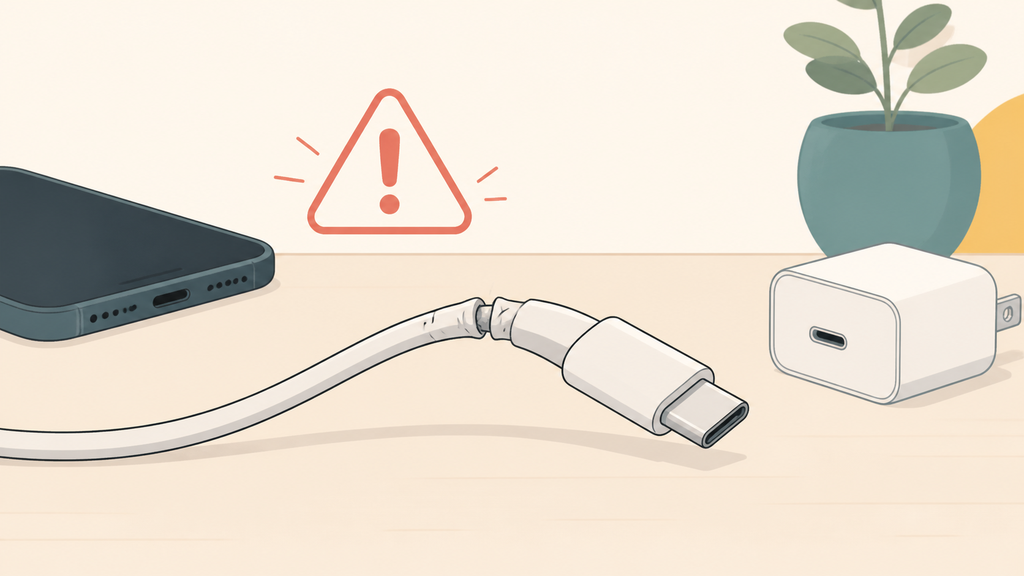
Most users blame the phone, charger, or power bank first. In many after-sales cases, the cable is the quiet weak point. For brands and importers, this topic matters because a low-cost cable can make a good charging product feel unreliable. Understanding why cables fail helps both consumers troubleshoot faster and buyers specify better accessories.
What Are The Most Common Reasons Charging Cables Fail?
Cable failure is annoying because it often starts small: one angle works, another angle does not, then charging becomes unpredictable.
The most common reasons are internal wire fatigue, connector wear, bent strain relief, dirty ports, corrosion, weak solder joints, low-grade jacket material, and cable rating mismatch. Repeated bending near the connector is one of the fastest ways to damage a charging cable.
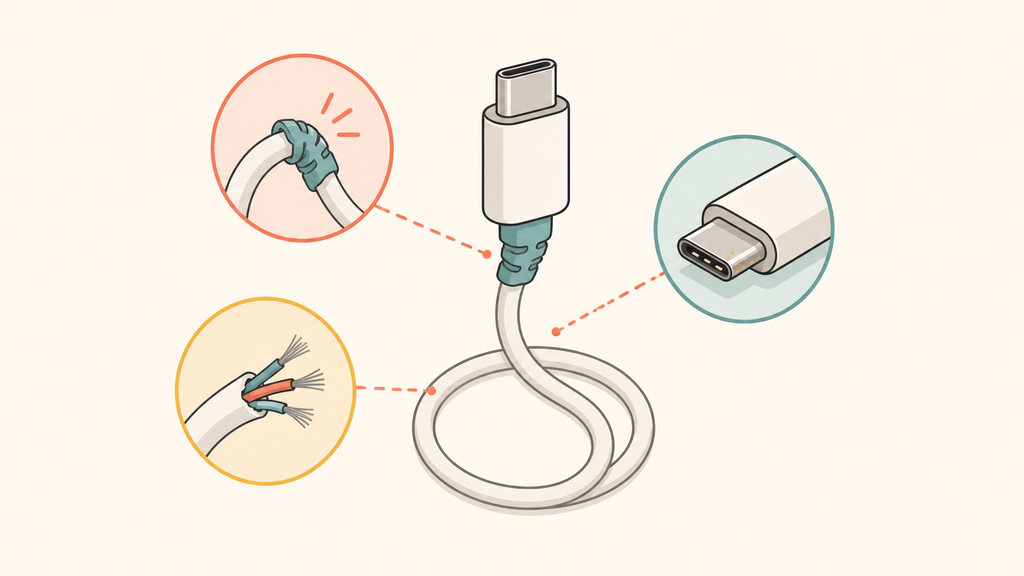
The most common failure point is the area near the connector. Users bend this part every day when they charge in bed, use the phone while plugged in, pull the cable from the wire instead of the plug, or pack it tightly in a bag. The jacket may still look acceptable, but inside the cable the conductor can fatigue or break strand by strand. This is why a cable sometimes works only when held at a certain angle.
The connector itself also wears out. USB-C, Lightning, and USB-A connectors are mechanical parts. They go through repeated insertion, pulling, twisting, and contact pressure. If the connector shell becomes loose, the contact pins wear down, or the internal solder joint weakens, charging becomes unstable. Apple advises users troubleshooting an iPhone that will not charge to check the cable and adapter for damage and remove debris from the charging port.1 That advice sounds basic, but it solves many real-world charging complaints.
Dirt and corrosion are easy to overlook. Pocket lint, dust, moisture, sweat, and metal particles can sit inside a phone port or cable connector. A small amount of debris can prevent full contact. Moisture can also increase corrosion risk, especially in coastal or humid markets. If the cable has been used in a car, warehouse, gym bag, or outdoor travel kit, the connector environment may be harsher than the product team expected.
Another common reason is cable rating mismatch. A cable may physically fit but not support the charging speed or data function the user expects. USB-C is especially misunderstood because the connector shape does not tell the full story. Different cables can support different current levels, data rates, and features. USB-IF provides information on USB cables and connectors because the cable is part of the full charging and data system, not a generic accessory.2
| Failure reason | What users notice | Buyer-side lesson |
|---|---|---|
| Internal wire fatigue | Works only at one angle | Improve bend relief and cycle testing |
| Connector wear | Loose or unstable charging | Specify connector durability |
| Dirty port or plug | Charging starts and stops | Educate users and protect packaging |
| Corrosion | Intermittent or no charging | Consider market humidity and storage |
| Low cable rating | Fast charging does not work | Match cable to product wattage |
In my experience, cable issues create more brand frustration than their cost suggests. A customer may buy a power bank, wall charger, or wireless charging kit, then judge the whole product by the included cable. If the cable feels flimsy or fails early, the main product loses trust too.
Can A Cable Still Work But Charge Slowly?
Many users think a cable is either working or broken, but real cable failure is often gradual.
Yes. A damaged or low-rated cable may still charge slowly while failing fast charging, high-current output, or stable data communication. The cable may limit current, increase resistance, interrupt protocol negotiation, or heat up under load.
A cable can pass a simple charging test and still be unsuitable for the product. For example, it may charge a phone overnight from a low-power adapter, but fail to support a USB-C PD power bank, laptop charger, or fast wall charger. This creates confusing customer feedback: "The cable works with one charger but not another." The reason may be rating, resistance, connector quality, or protocol communication.
Fast charging depends on the full system: charger, cable, device, and protocol. USB Power Delivery is designed as a negotiated power system, where compatible devices agree on the voltage and current used for charging.3 If the cable is not built for the required current, lacks the right identification, or has poor contact, the system may fall back to a safer lower level.
Resistance is another hidden issue. A thin, long, or low-grade cable can lose more voltage under load. The user sees slower charging or a charger that seems underpowered. In some cases, the cable warms up. A little warmth during high-power charging can be normal, but excessive heat is a warning sign. UL Research Institutes advises consumers to use compatible charging equipment and watch for warning signs such as excessive heat, odor, leakage, or swelling when dealing with battery-powered products.4 Cable heat should be treated with the same practical caution because it may indicate poor contact or overload.
Data failure is another example of partial cable failure. A cable may charge a device but not transfer data. Some cables are charge-only by design. Others lose data reliability because the internal wires or shielding are damaged. This matters for brands selling multi-function USB-C accessories, docking products, or premium charging kits.
| Cable behavior | Possible cause | What to do |
|---|---|---|
| Slow charging only | Low current rating or high resistance | Use a properly rated cable |
| Starts and stops | Loose connector or dirty port | Inspect plug and device port |
| No fast charging | Protocol or cable rating mismatch | Check PD and current support |
| Charges but no data | Charge-only design or damaged data lines | Use a data-capable cable |
| Cable gets hot | Overload, poor contact, or damage | Stop using and replace |
For procurement, this is why I do not like vague cable descriptions such as "USB-C cable included." That does not say enough. A useful specification should define connector type, length, current rating, data function if needed, jacket material, bend test requirement, and packaging claim. A cable is small, but the specification should not be careless.
What Should Buyers Check Before Choosing Charging Cables?
Choosing the cheapest cable can make the whole charging product look unreliable, even when the charger or power bank is well designed.
Buyers should check connector type, rated current, USB-C PD support, cable length, jacket material, strain relief, bend-test performance, data requirement, certification plan, packaging claim, and whether the cable matches the main product’s wattage.
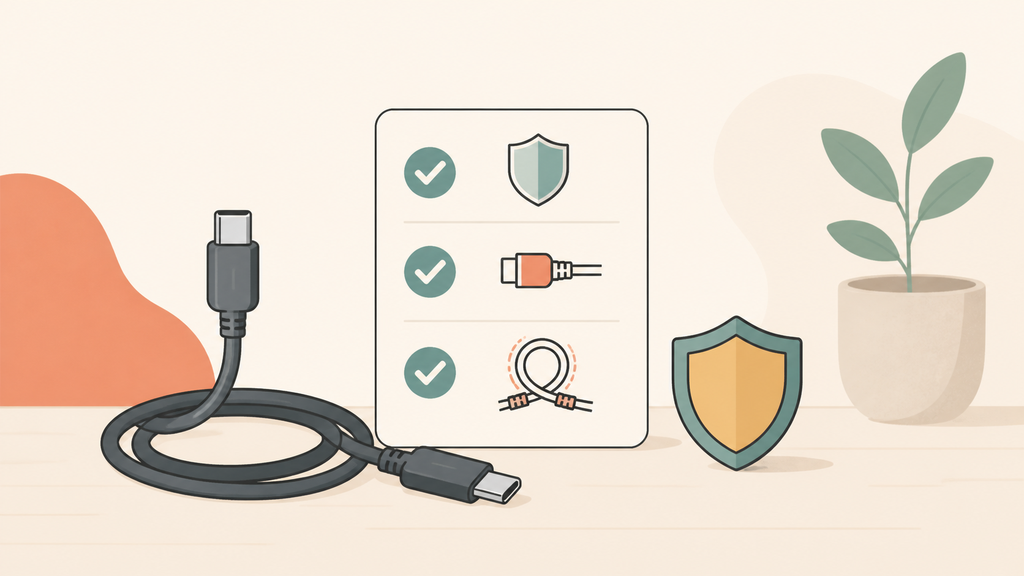
The first buyer question is simple: what job does the cable need to do? A short cable for a promotional power bank has different priorities from a 100W USB-C cable for a laptop charging kit. A retail cable line has different requirements from an accessory included inside a wall charger box. If the use case is not defined, the supplier may quote the cheapest workable option, not the best option for the brand.
Length affects performance and user experience. Longer cables are convenient, but they can increase resistance and cost. If a brand wants a long cable for fast charging, the conductor, jacket, and testing plan need to support that choice. A very cheap long cable can disappoint users because it looks useful but performs poorly.
Strain relief is one of the most important physical details. The transition area between the connector and cable body should survive repeated bending. In real life, users rarely treat cables gently. They wrap them tightly, bend them near the plug, pull them from awkward angles, and use phones while charging. A cable that passes only a basic visual check is not enough for a serious product line.
Material choice also changes the product feel. PVC can be cost-effective. TPE can feel softer. Braided jackets can improve perceived durability, but they are not automatically better if the internal design is weak. A good cable balances flexibility, durability, surface feel, and cost. For some private-label projects, the jacket color and finish also matter because the cable is part of the unboxing experience.
Here is a practical checklist I would use before confirming a cable order:
| Checkpoint | Why it matters |
|---|---|
| Connector type | Must match target devices and charger ports |
| Current rating | Supports real charging speed |
| Cable length | Affects convenience, resistance, and cost |
| Data support | Needed for sync, accessories, and some USB-C uses |
| Strain relief | Reduces bending failure near the plug |
| Bend test | Gives evidence beyond appearance |
| Jacket material | Affects flexibility, durability, and feel |
| Packaging claim | Must match actual cable performance |
| Certification plan | Supports market and retailer requirements |
For EverGreat projects, I often recommend matching the cable tier to the main product tier. A 20W phone power bank can use a practical, dependable cable. A 65W or 100W laptop power bank needs a more carefully specified USB-C cable. A premium travel kit should not include a cable that feels like an afterthought. The accessory should support the promise of the product.
The best cable decision is not always the most expensive one. It is the one that fits the product claim, user behavior, target price, and support risk. When a buyer treats the cable as part of the charging system, not a throwaway accessory, the final product becomes easier to trust.
Conclusion
Charging cables fail from bending, wear, dirt, heat, corrosion, and poor specification. A better cable protects both charging performance and brand trust.
-
Apple Support, If your iPhone or iPod touch won’t charge. ↩
-
USB Implementers Forum, Cables and Connectors. ↩
-
USB Implementers Forum, USB Charger (USB Power Delivery). ↩
-
UL Research Institutes, Know Your Battery. ↩