A warm charger can be normal, but a hot charger makes users nervous. The real question is when warmth becomes a warning sign.
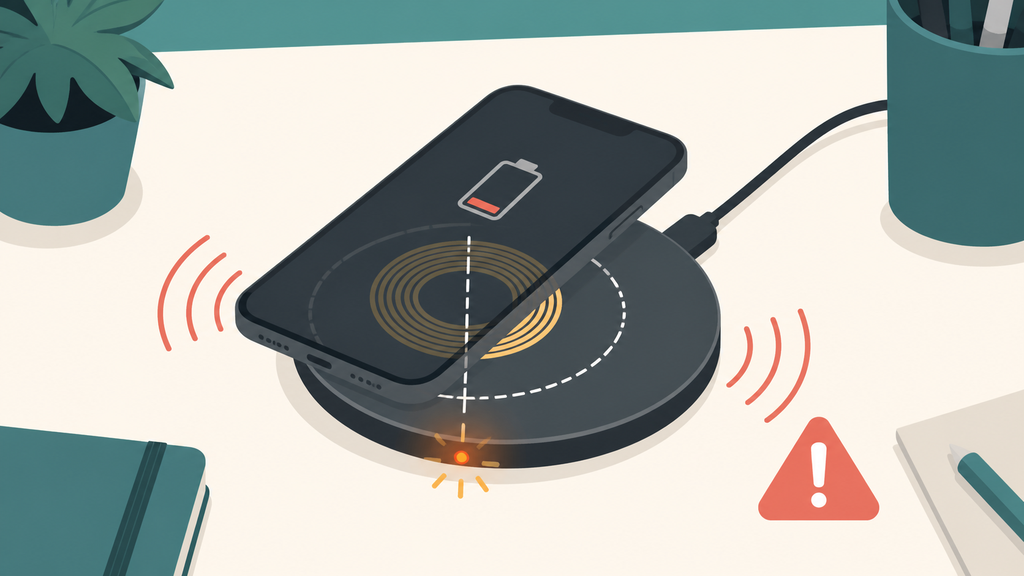
It is normal for a phone charger to feel slightly warm during charging, especially with fast charging. It is not normal if the charger becomes too hot to touch, smells, buzzes, sparks, cracks, or stays hot with no device connected. Stop using it if any warning sign appears.

Many customers ask this after buying a new fast charger. They expect higher speed, but they do not always expect heat. Understanding the difference helps users stay safe and helps brands reduce returns.
Why Does A Phone Charger Get Warm?
Chargers convert wall power into lower-voltage power for phones. That conversion is useful, but it is never perfectly lossless.
A phone charger gets warm because power conversion creates heat. Fast charging, compact charger size, high output load, poor ventilation, and weak internal design can all increase temperature during normal use.

Every charger has some conversion loss. A good charger controls that loss with efficient components, safe layout, thermal protection, and proper enclosure design. A weak charger may still charge the phone, but it can turn more energy into heat. That heat may show up in the charger shell, the USB-C port, the cable connector, or the wall plug area.
Fast charging makes the heat question more visible. When a phone accepts higher wattage, the charger works harder. A 20W or 30W charger may feel warmer than an old 5W charger because it is delivering more power in less time. USB Power Delivery is designed around power negotiation between devices, but the charger still has to convert and manage that power safely.1
Apple explains that devices and batteries work best within recommended temperature ranges and that heat can affect battery performance and long-term capacity.2 The charger is not the phone battery, but the same practical idea applies to the charging system: heat should be managed, not ignored.
| Situation | Usually Normal? | What To Watch |
|---|---|---|
| Slight warmth during fast charging | Yes | Keep it uncovered |
| Warm charger near full phone battery | Sometimes | Phone may reduce power |
| Hot charger with no phone attached | No | Stop using it |
| Hot cable connector | No | Check cable and port |
| Charger under pillow or blanket | Risky | Move it to open air |
| Warm multi-port charger | Common under load | Check total output limits |
In manufacturing, I do not judge charger quality only by whether it powers on. I look at shell temperature, component temperature, protection response, plug fit, port durability, and performance after aging. A charger that passes a quick five-minute demo may still run too hot after long operation.
Users often blame the phone first, but the charging chain has several parts. The wall outlet, adapter, cable, phone port, phone battery level, room temperature, and app load all matter. A phone running navigation or gaming while charging can make the whole system warmer.
For brands, the lesson is simple: if you sell fast charging, you must also explain heat. A charger can be safe and still become warm. But if customers do not understand that, warmth becomes fear, and fear becomes bad reviews.
When Is Charger Heat A Safety Problem?
Warm is acceptable. Painful heat, smell, noise, or unstable charging is different. Users should not wait for a small warning to become damage.
Charger heat becomes a safety problem when the charger is uncomfortable to touch, smells like burning plastic, buzzes, sparks, changes shape, cracks, or repeatedly stops charging. These signs can indicate poor design, damage, overload, or outlet problems.
UL Research Institutes warns that counterfeit or poor-quality electrical products can create shock and fire risks when they lack proper safety construction and testing.3 That matters because many risky chargers still look normal from the outside. A low price, small size, and “fast charge” label do not prove safety.
The most dangerous assumption is “if it still charges, it is fine.” A charger can keep working while insulation, solder joints, ports, or internal components are under stress. Heat may be the first clue that something is wrong.
| Warning Sign | Possible Cause | Better Action |
|---|---|---|
| Too hot to hold | Overload or poor thermal design | Unplug and replace |
| Burn smell | Plastic or insulation overheating | Stop using immediately |
| Buzzing or crackling | Component or outlet issue | Unplug and inspect |
| Sparks | Poor contact or fault | Stop using |
| Loose plug | Outlet or plug fit problem | Try a safe outlet |
| Charger shell cracks | Mechanical damage | Do not use |
| Cable end gets hot | Poor cable or port contact | Replace cable |
The environment can also turn acceptable warmth into a problem. A charger behind a sofa, under bedding, inside a tight travel pouch, or in direct sun has less airflow. Heat that would normally escape stays trapped. Bathrooms, kitchens, and damp areas add moisture risk.
I have seen charger complaints where the charger itself was not the only cause. The user used an old cable with poor connector fit, then placed the phone and charger on soft bedding overnight. The charger became hot, the phone charged slowly, and the customer blamed the adapter. From the user’s view, that is understandable. From a product-quality view, it shows why instructions and cable pairing matter.
For customer service teams, heat questions should be handled carefully. Ask whether the charger is warm or too hot to touch. Ask whether the cable connector is hot. Ask whether the charger is covered, plugged into an extension strip, or used with a high-power device. Ask whether the issue happens with no device attached. These answers help separate normal operation from a safety concern.
If a charger smells, sparks, or stays hot when idle, the user should not keep testing it. Replacement is cheaper than risk.
How Should Buyers Evaluate Charger Heat Before Ordering?
For consumers, the answer is “use a quality charger.” For importers and brands, that advice is not enough. Quality must be specified and tested.
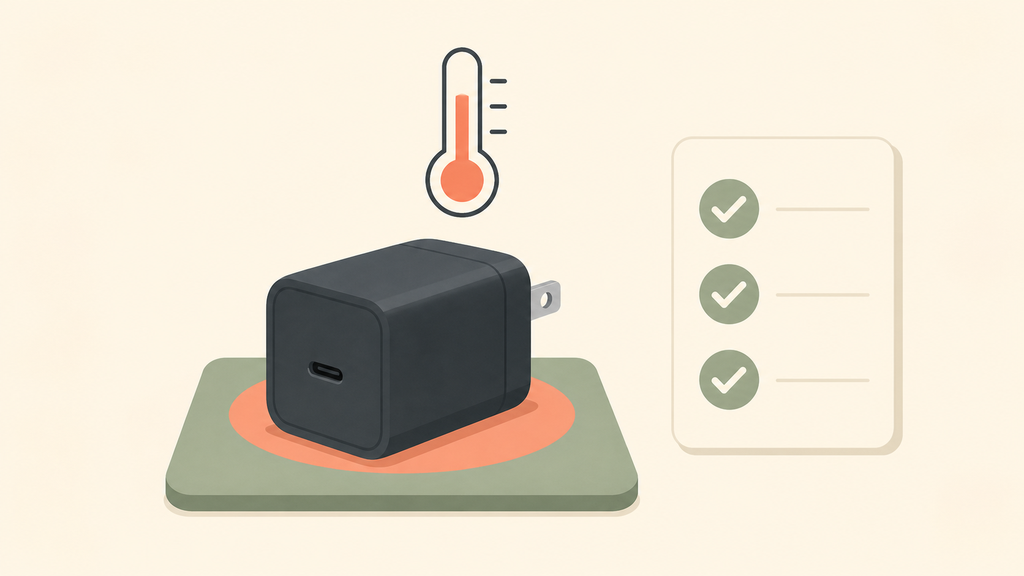
Buyers should evaluate charger heat by testing shell temperature, port temperature, full-load operation, light-load operation, no-load standby, cable pairing, multi-port behavior, and protection response before placing production orders.
The U.S. Department of Energy regulates external power supplies, and the European Union also sets ecodesign requirements for external power supplies, including efficiency and no-load performance.4 Efficiency rules are not the whole safety picture, but they remind buyers that charger performance should be measured, not guessed.
In my experience, heat testing should match the real product promise. If the package says 30W fast charging, test the charger at the rated load. If it is a 65W multi-port charger, test one port, two ports, and all ports. If the product includes a cable, test with that exact cable. If the target market is travel, test in warmer ambient conditions too.
| Test Item | Why It Matters | Buyer Question |
|---|---|---|
| Shell temperature | User comfort and safety perception | Is it comfortable after long use? |
| Port temperature | Connector reliability | Does the USB-C area get hot? |
| Full-load test | Worst common use case | Can it hold rated output? |
| No-load test | Idle safety and efficiency | Does it stay cool unplugged from phone? |
| Cable pairing | Prevents connector heat | Is the included cable rated properly? |
| Aging test | Finds early failures | Does performance change over time? |
| Protection test | Handles faults safely | What happens under overload? |
GaN chargers deserve careful thermal review. GaN can help make chargers smaller and efficient, but small size also gives less physical space for heat spreading. A compact charger can be excellent if the layout is good. It can also disappoint users if the shell gets too warm in daily use.
For private-label buyers, I suggest asking suppliers for test data, not only samples. A beautiful sample on a desk is not enough. Ask for thermal images, load-test conditions, component information, protection design, certification plan, and the exact cable specification. If the supplier cannot explain heat behavior clearly, that is a warning sign.
Packaging should also set realistic expectations. It is reasonable to tell users that chargers may become warm during use. It is also important to list stop-use signs: unusual heat, smell, damage, moisture, loose outlets, and damaged cables. Clear instructions protect users and reduce support disputes.
EverGreat often helps customers compare charger designs before mass production because small decisions affect heat: enclosure size, PCB layout, transformer quality, port placement, cable spec, and power allocation. These details do not always show in a product photo, but they show in real customer use.
The best charger is not the one that never gets warm. It is the one that manages heat predictably, stays within safe limits, and gives users confidence.
Conclusion
A charger can get warm during normal use, but excessive heat, smell, noise, sparks, damage, or idle heating means stop using it.
-
USB Implementers Forum, USB Charger (USB Power Delivery). ↩
-
Apple, Batteries – Maximizing Performance. ↩
-
UL Research Institutes, Counterfeit Electrical Products. ↩
-
European Commission, External power supplies ecodesign and energy labelling. ↩