Your phone reaches 80%, then charging slows or stops. It feels like a charger problem, but the phone may be protecting its battery.
A phone often stops charging at 80% because battery protection, optimized charging, temperature control, or a charging limit is active. It can also happen when the charger, cable, or wireless pad creates too much heat or unstable power.
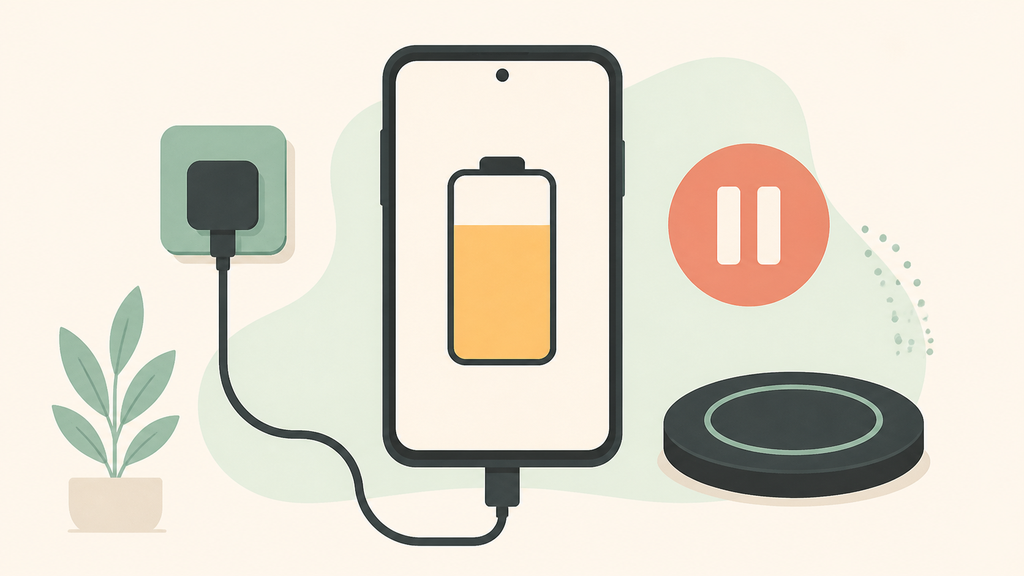
I see this question often because users blame the accessory first. Sometimes the charger is the problem, but many modern phones intentionally manage charging near 80% to reduce heat, slow battery aging, or wait until the user needs a full charge.
Is 80% Charging Limit A Problem Or A Feature?
Stopping at 80% is often a battery-care feature, not a fault. The key is whether the phone resumes charging when needed.
An 80% charging limit is usually normal when optimized charging, adaptive charging, battery protection, or temperature management is enabled. It becomes a problem only if the phone never charges past 80% after settings, heat, cable, and charger issues are checked.
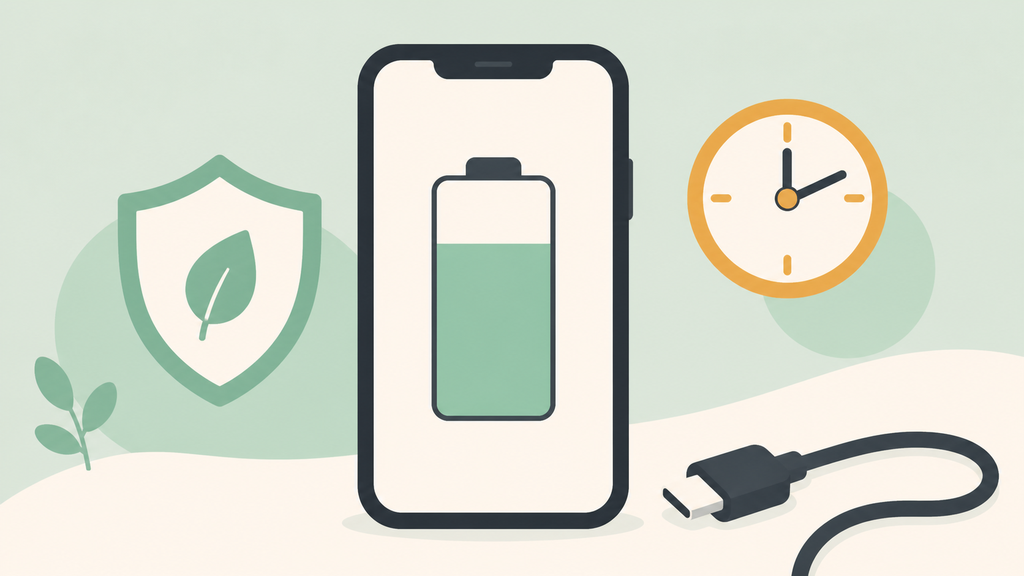
Modern phones do not treat charging as a simple “power in until 100%” process. They watch battery temperature, charging habits, time of day, accessory quality, and sometimes location patterns. Apple explains that Optimized Battery Charging can delay charging past 80% in certain situations to reduce battery aging.1 Google also describes Adaptive Charging as a feature that can hold charging and complete it closer to the time the user normally unplugs.2 Samsung devices have similar battery protection settings that can limit maximum charging level depending on model and software version.3
From a user perspective, this can feel confusing. A person plugs in the phone at night, sees 80%, and assumes the charger failed. From a manufacturing and after-sales perspective, the first question should be: is the phone following a battery protection rule, or is the charging system actually unstable?
There are several common scenarios:
| Situation | Likely meaning | What to check |
|---|---|---|
| Stops at 80% overnight, later reaches 100% | Optimized charging | Battery settings and alarm routine |
| Stops at 80% and says charging paused | Temperature protection | Heat, case, charger, and environment |
| Never goes beyond a set limit | Battery protection setting | Charging limit menu |
| Drops in and out near 80% | Accessory or heat issue | Cable, adapter, wireless pad |
In my experience, the most common mistake is trying three different chargers without checking phone settings. That wastes time and may create a false complaint against the accessory. The second mistake is assuming the feature always works perfectly. If the phone is hot, the cable is poor, or the wireless charger is misaligned, the phone may stop charging for a real reason.
For brands selling chargers, power banks, or wireless pads, this is important for customer support. A user may write “your charger stops at 80%,” but the root cause may be the phone’s battery management. Support teams should know how to ask the right questions: Which phone model? Wired or wireless? Any charging limit enabled? Any temperature message? Does it continue after cooling down? That calm diagnosis prevents unnecessary returns.
Why Does Heat Make A Phone Stop Charging At 80%?
Heat is one of the biggest reasons phones slow down or pause charging near 80%, especially during fast or wireless charging.
Phones may pause or limit charging at 80% when the battery gets warm because high temperature can accelerate battery aging. Heat can come from fast charging, wireless charging, thick cases, poor alignment, weak adapters, or hot rooms.
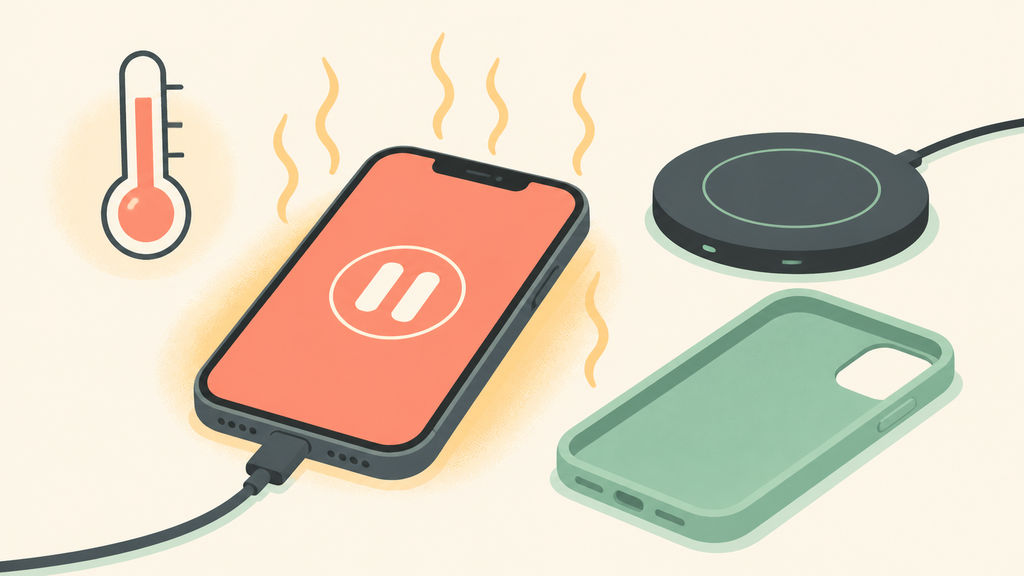
Charging from 0% to 80% is usually easier than filling the last part of the battery. As the battery gets closer to full, the phone often reduces charging current and becomes more sensitive to heat. Apple notes that charging may be put on hold when an iPhone becomes too warm and will resume when the temperature falls.4 This is one reason the 80% number appears so often in support questions.
Wireless charging can make this more visible. Wireless power transfer is convenient, but it is less direct than a cable. If the phone is off-center, in a thick case, sitting on a warm surface, or paired with a weak adapter, more energy can be lost as heat. The phone may still show a charging icon, but internal control may slow or stop the charge.
Fast wired charging can also create heat. A quality charger and cable should communicate properly with the phone and supply stable power, but even a good system can become warm. A poor system makes the problem worse. I have seen low-cost cables with high resistance cause voltage drop and extra heat, then users blame the phone or adapter. I have also seen promotional wireless chargers pass a five-minute demo but run hot during overnight use.
For users, the practical steps are simple:
| Step | Why it helps |
|---|---|
| Remove the phone case | Improves heat release and reduces wireless distance |
| Move to a cooler place | Reduces temperature protection triggers |
| Center the phone on the wireless pad | Improves transfer efficiency |
| Use the recommended adapter and cable | Stabilizes input power |
| Wait 10-20 minutes after cooling | Confirms whether heat was the cause |
For buyers and importers, heat behavior should be tested before mass production. A charger may meet its advertised wattage in a short test, but customer satisfaction depends on longer charging sessions. I usually recommend testing with several phone models, different battery levels, real phone cases, and both normal and warm ambient conditions.
The product instruction manual also matters. If a wireless charger should be used with a specific adapter, say so. If thick cases or metal accessories should be removed, say so. If the phone may pause charging because of its own protection system, explain that without sounding defensive. Good support language turns a scary complaint into a solvable situation.
How Can You Tell If The Charger Or Phone Is The Real Cause?
You can separate phone behavior from accessory failure by testing settings, temperature, cable quality, charger output, and charging method one by one.
To find the real cause, check battery settings first, cool the phone, try a known-good cable and adapter, compare wired and wireless charging, and test whether the phone passes 80% after protection settings are disabled or conditions change.
I like to diagnose this problem in a fixed order because random testing creates confusion. Start with the phone. Look for battery settings such as Optimized Battery Charging, Adaptive Charging, Battery Protection, Charge Limit, or similar names. If a limit is intentionally enabled, the accessory may be working normally.
Next, check temperature. If the phone feels hot, remove the case and let it cool. Do not put it in a refrigerator or expose it to moisture; just move it to a cooler room and stop heavy gaming, navigation, video recording, or hotspot use while charging. Heavy phone activity during charging can create more heat than the charger itself.
Then test accessories. Use a known-good cable and wall adapter. If wireless charging is the issue, test a cable. If cable charging is the issue, test another certified or reputable cable. For USB-C products, the cable can matter more than many users expect, especially with fast charging. A worn connector, damaged wire, or low-quality cable can cause intermittent charging that becomes more obvious near higher battery levels.
For brands, I recommend building a support checklist:
| Question | Reason |
|---|---|
| Does the phone have an 80% limit enabled? | Separates settings from hardware failure |
| Does the phone display a temperature warning? | Identifies heat protection |
| Does wired charging pass 80%? | Helps isolate wireless pad issues |
| Does another cable work? | Catches cable resistance or damage |
| Does the same charger work with another phone? | Checks accessory consistency |
This checklist is also useful during product development. If an OEM charger causes repeated 80% complaints across different phones, the design may need better thermal control, a clearer adapter requirement, or stronger quality control. If complaints occur only with one phone model and a specific software setting, support can guide users more accurately.
EverGreat customers often focus on charging speed because it is easy to market. I understand that. But a charger that looks fast in a product listing and causes confusing 80% complaints may cost more in returns than it earns in clicks. A better product is stable, well-documented, and honest about real-world use.
The safest conclusion is this: 80% stopping is not automatically bad. It is a signal. Read the signal before replacing the charger.
Conclusion
When a phone stops at 80%, check battery settings, heat, and accessories together before assuming the charger has failed.
-
Apple explains Optimized Battery Charging and delayed charging behavior in its iPhone battery and performance support guidance. ↩
-
Google describes Adaptive Charging behavior in its Pixel battery charging support guidance. ↩
-
Samsung explains battery protection and charging behavior in its Galaxy battery support guidance. ↩
-
Apple notes temperature-related charging pauses in its iPhone charging and temperature support guidance. ↩