A power bank may have two ports, yet charging both devices can feel slow, stop unexpectedly, or divide power differently from what the label suggests.
Yes, a power bank can charge two devices at the same time when its circuit supports multi-port output. The total available power is shared, so each device may receive less power than it would alone.
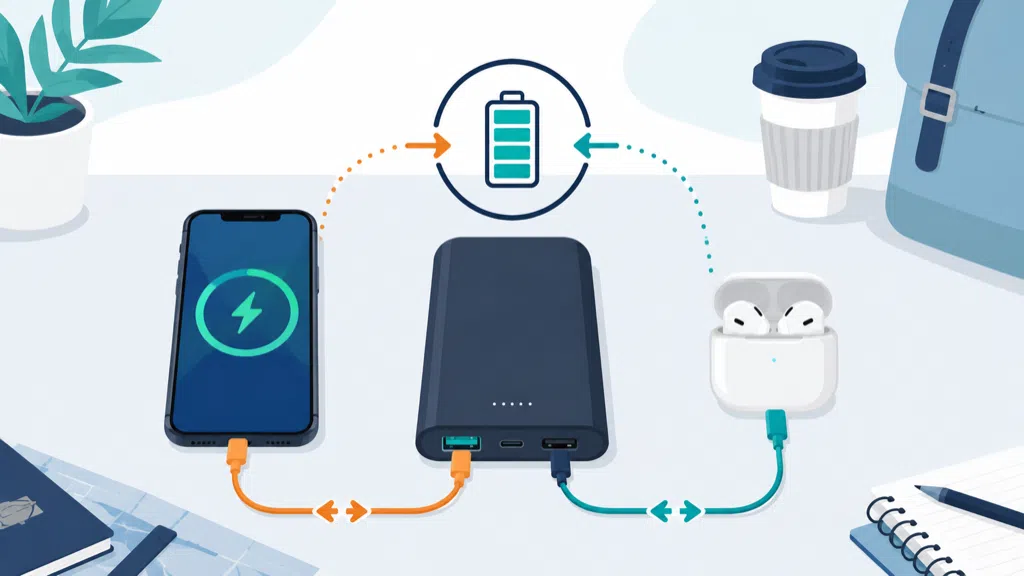
I have seen users blame the cable or phone when the real issue is shared output. A two-port power bank is a small power-management system, not two independent wall chargers in one case.
Why Does Charging Two Devices Reduce The Speed?
Charging two devices can reduce speed because the power bank has a limited total output, and its controller must divide available energy between ports.
Two-device charging is slower when the combined demand exceeds the power bank’s total output, when one port has priority, when the battery is low, or when heat causes the circuit to reduce power.
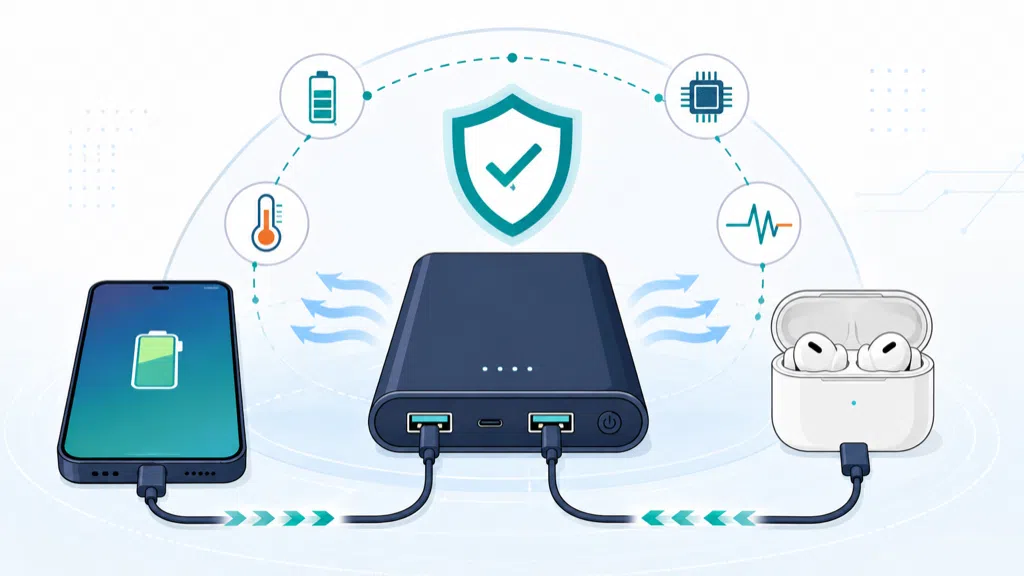
Every power bank has limits at several levels. The battery cells store a finite amount of energy. The boost converter turns that energy into an output voltage. The controller manages current, protection, and port behavior. The label may show the maximum for one port, while the product also has a lower combined limit.
For example, a product may provide up to 30W from USB-C when used alone but only 15W total when USB-C and USB-A are used together. Another model may provide 20W to one device and a small secondary output to a second device. These are different designs, even if both packages show two ports.
| Product behavior | What the user may notice | What to check |
|---|---|---|
| Single-port priority | One device charges quickly | Which port receives priority? |
| Equal sharing | Both devices charge more slowly | What is the combined wattage? |
| Fixed secondary output | Main device stays faster | Is the secondary limit clearly stated? |
| Dynamic sharing | Speed changes during use | When does the controller rebalance? |
| Low-battery reduction | Both devices slow near empty | At what battery level does this happen? |
USB Power Delivery allows compatible devices to negotiate power within the charger or power bank’s available profiles. USB-IF describes Power Delivery as a system that lets devices request the power they require, while also supporting power management across multiple peripherals.1 Negotiation does not create extra energy. It helps the system decide how to use the energy that exists.
The cable also matters. A phone connected through a lower-capability cable may charge more slowly than the same phone connected through a suitable cable. USB-C cables are not identical in every electrical or data capability. USB-IF provides specific cable and connector requirements and compliance guidance for Type-C assemblies.2
The device itself may not request the maximum. A phone can reduce charging power when the battery approaches full, when the temperature rises, or when its internal control system changes the charging profile. A second device may then receive more power. Users can interpret this as random behavior even though the system is responding to changing conditions.
Battery state affects the experience too. A power bank may support its best output when it has enough stored energy and remains within its designed temperature range. Near empty, the protection and regulation system may reduce output or stop one port to protect the battery.
This is why a two-device test should measure more than whether both phones show a charging icon. Measure the charging time, output power, temperature, and behavior when one phone is nearly full. Also test a phone plus earbuds, a phone plus tablet, and two devices with different charging protocols.
For everyday users, simultaneous charging is most useful when convenience matters more than peak speed. A traveler may accept slower charging to refill a phone and earbuds together. Someone trying to charge a phone and laptop quickly may need a product with a much higher total output and a compatible USB-C PD design.
Is It Safe To Charge Two Devices From One Power Bank?
Charging two devices is normally safe when the power bank is designed for multi-port output and used with compatible cables, but safe operation still depends on product quality, heat control, and undamaged accessories.
A properly designed multi-port power bank manages current, voltage, temperature, and battery protection. Users should stop using it if the product swells, leaks, smokes, becomes abnormally hot, or shows visible damage.
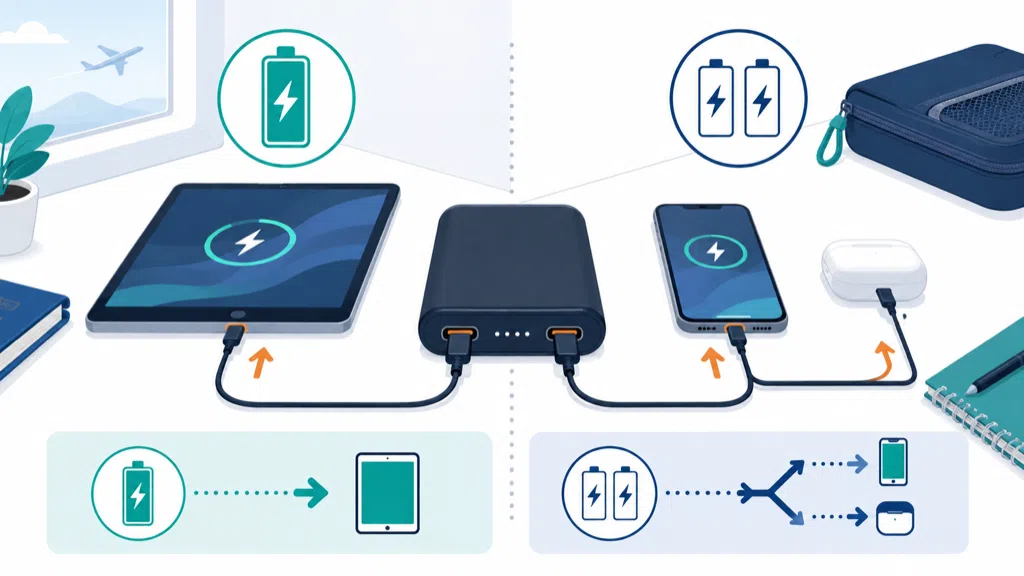
Two devices increase the electrical load and can increase heat inside the enclosure. Heat does not automatically mean danger, but the product should remain within its intended operating conditions. A power bank placed under clothing, inside a tightly packed bag, or in direct sun may have less ability to release heat.
The enclosure and internal layout therefore matter. The cells, converter, connectors, and wireless coil, if present, compete for space. A thin product with two ports needs careful thermal and mechanical design. A larger product may have more room for heat spreading, but it may also contain more stored energy and feel heavier.
Safety testing should be considered at the product level. IEC 62133-2 specifies requirements and tests for the safe operation of portable sealed secondary lithium cells and batteries containing non-acid electrolyte, including intended use and reasonably foreseeable misuse.3 The standard is not a substitute for market-specific compliance advice, but it shows why a multi-port feature belongs in the safety review.
The protection circuit should handle several abnormal conditions. These can include overcurrent on one port, short circuit on a cable, a device being connected or disconnected while another device is charging, and a charger being connected to recharge the power bank while output is active. The exact behavior depends on the design and should be tested rather than assumed.
| Situation | Desired product response | User advice |
|---|---|---|
| One device needs high power | Allocate power within the rated limit | Use the correct port |
| Second device is connected | Re-negotiate or share power safely | Expect speed to change |
| Cable short or fault | Shut down or isolate the fault | Replace damaged cable |
| Product becomes too warm | Reduce output or stop safely | Move it to an open area |
| Battery is nearly empty | Reduce output or stop | Recharge before heavy use |
| Device disconnects | Return to a stable state | Reconnect after a short pause |
Users should use the included or correctly rated cables. A damaged cable can create poor contact, intermittent charging, or unnecessary heat. Do not bend a cable sharply at the connector or continue using one with exposed conductors.
Travel is another consideration. The FAA states that power banks are spare lithium-ion batteries, must be carried in carry-on baggage, and are limited to 100 watt-hours per battery for ordinary passenger travel, with stricter airline policies possible.4 Charging multiple devices does not change the battery’s Wh rating, but travel users still need to follow the airline’s current rules.
A power bank with two ports should also have clear indicators. If the display shows only one combined percentage, users may not know whether the battery is low because of one heavy device or two light devices. A simple indicator can be acceptable, but the manual should explain what it means.
For product buyers, “safe” should not be treated as a marketing adjective. Ask how the supplier validates multi-port use, which protection functions are built into the circuit, how temperature is measured, and whether the product has been tested under simultaneous load. A sample that charges two devices on a desk is only the beginning.
How Should You Use A Two-Port Power Bank Effectively?
Use the correct ports and cables, understand the combined output limit, keep the power bank ventilated, and choose simultaneous charging when convenience is more important than maximum speed.
To use a two-port power bank well, check its total output rating, connect high-power devices to the intended port, use suitable cables, avoid covering the product, and allow extra time when charging two devices.
Start by reading the label or manual. Look for single-port output and combined output. If the information is missing, do not assume that both ports provide the maximum at the same time. Product listings often highlight the highest single-port number because it is easier to market.
A useful routine is to connect the device that needs the most power first. On some products, the first connected port receives priority. On others, the power bank rebalances dynamically. The manual should explain the behavior, but a quick test can also show whether the phone’s charging speed changes when the second device is connected.
Avoid judging performance only by the charging icon. A phone may show “charging” while receiving very little power. Check the time needed to reach a useful battery level. If you need a fast emergency top-up, disconnect the second device temporarily. If you are traveling and want both devices ready later, connect both and accept the longer time.
| Goal | Better approach |
|---|---|
| Fast phone top-up | Charge the phone alone from the highest-output port |
| Phone plus earbuds | Connect both and accept shared output |
| Phone plus tablet | Confirm the total wattage first |
| Laptop charging | Use a PD-capable product with a suitable cable |
| Overnight charging | Check heat, placement, and automatic behavior |
| Travel backup | Confirm Wh and airline requirements before flying |
Cable organization can improve reliability. Avoid placing a heavy device so its cable pulls sideways on the power bank port. Keep the power bank and devices where air can move around them. Do not put a charging power bank beneath a pillow or inside a tightly sealed pocket.
If charging stops when a second device is connected, try a different port or cable and check the product’s instructions. Some power banks restart their negotiation when the load changes. A short pause may be normal. Repeated shutdown, unusual heat, or a burning smell is not normal and should be treated as a reason to stop using the product.
A product with two ports is not necessarily the best choice for every user. A single-port power bank can be simpler and may deliver more predictable peak output. A multi-port design is valuable when the user regularly carries two devices and prefers one battery pack.
When I review a power bank design with a customer, I ask what “simultaneous charging” must mean. Does the buyer only need both devices to receive power? Does one device need a minimum wattage? Must the product recharge itself while powering another device? These questions lead to different circuit designs, specifications, and test plans.
For retailers and brands, the product page should show a simple use example. Explain whether the output is shared, which ports can be used together, and what happens to charging speed. A small diagram can prevent a large number of misunderstandings.
EverGreat supports multi-port power bank projects by checking cell capacity, controller selection, connector layout, thermal behavior, cable requirements, and production testing together. The feature is useful when it reflects a real customer need. It becomes frustrating when the package promises two independent fast chargers but the circuit was never designed that way.
Conclusion
A power bank can charge two devices at once, but the available power is shared. Check the combined rating, use suitable cables, and expect slower charging.
-
USB Implementers Forum, USB Charger and USB Power Delivery information. ↩
-
USB Implementers Forum, USB Type-C Cable and Connector Specification. ↩
-
International Electrotechnical Commission, IEC 62133-2 safety requirements. ↩
-
Federal Aviation Administration, Airline passengers and battery guidance. ↩