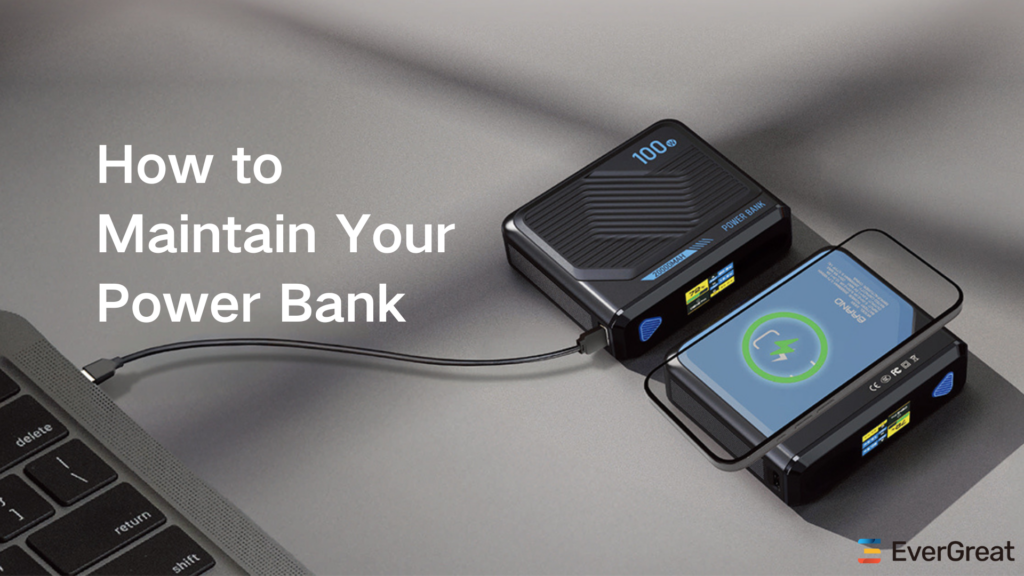
A power bank that keeps turning off can make users think the battery is bad, even when the real issue is load detection or protection behavior.
A power bank may keep turning off because the connected device draws too little current, the cable is unstable, the battery is low, the port is dirty, the protection circuit detects abnormal load, or the power bank is designed to auto-sleep when no active charging is detected.

This problem is common with earbuds, smartwatches, small fans, heated accessories, older phones, and some USB devices. For consumers, it is confusing because the power bank may work with one device but not another. For brands and importers, it is a reminder that output behavior, low-current mode, port design, and user instructions can affect real customer satisfaction.
Why Does A Power Bank Turn Off When A Device Is Connected?
The most frustrating version is when the power bank turns on, starts charging, then shuts down a few seconds later.
A power bank turns off when it does not detect enough current draw, detects an unstable connection, reaches low battery protection, or triggers safety protection. Many models automatically sleep to save energy when the connected device draws very low current.
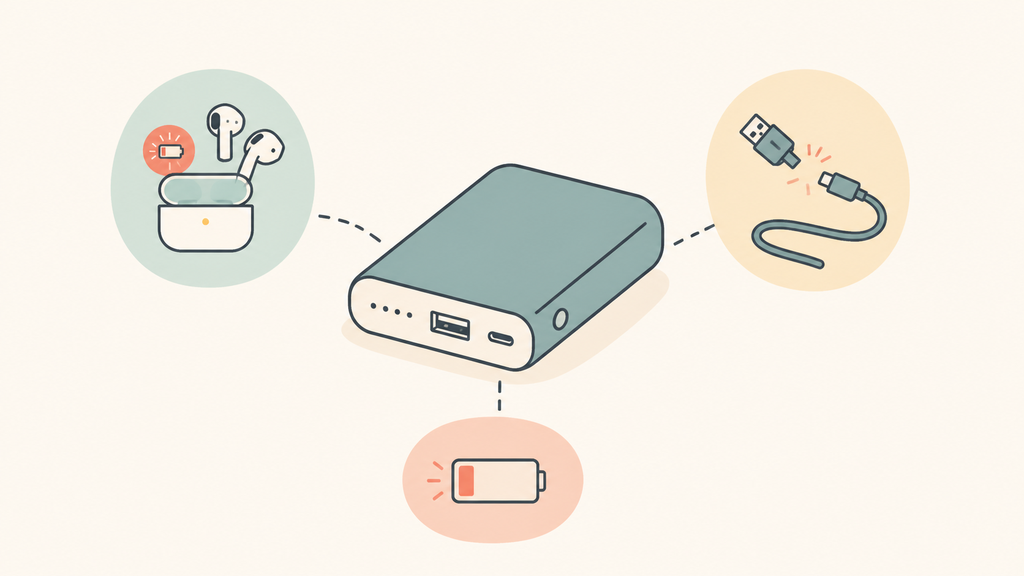
Most power banks are designed to avoid wasting energy when nothing is connected. The control circuit checks whether a device is drawing power. If the current is below the detection threshold, the power bank may assume there is no real load and shut off. This is useful for normal phone charging, but it can create problems with small devices that draw very little current.
Earbuds, smartwatches, fitness trackers, Bluetooth speakers at high battery level, and small LED accessories may draw less current than the power bank expects. The power bank may start output, see a low load, and turn off. This does not always mean the power bank is defective. It may simply lack a low-current or trickle-charging mode.
Cable and port problems are another common cause. A loose connector, worn cable, dirty USB port, or poor contact can interrupt the output signal. The power bank may respond by shutting down to protect itself or because it no longer detects a stable load. If the same power bank works with one cable but not another, the cable should be tested before blaming the battery.
Battery level also matters. Some power banks shut off under load when the internal cell voltage drops too low. This protects the battery from deep discharge. Users may see one LED still lit and assume there is enough power, but LED indicators are only rough estimates. Under load, the voltage can sag, and the protection circuit may stop output.
| Possible cause | What users notice | Practical check |
|---|---|---|
| Low-current device | Turns off with earbuds or watches | Try low-current mode if available |
| Loose cable | Starts and stops repeatedly | Test another cable |
| Dirty port | Charging is intermittent | Inspect connector and port |
| Low battery | Shuts off under load | Recharge the power bank fully |
| Protection trigger | Turns off quickly | Check for heat, short circuit, or abnormal device |
USB-C can add another layer of confusion. Modern charging may involve communication between charger, cable, and device. USB Power Delivery is designed around negotiated power between compatible devices.1 If the power bank, cable, and device do not agree on a stable mode, output may fall back, stop, or behave inconsistently depending on the design.
From a manufacturing perspective, this is why I do not judge a power bank only by capacity and wattage. Output detection thresholds, port-sharing logic, firmware behavior, and low-current support all shape the user experience. A product that looks strong on a specification sheet can still create support tickets if small-device charging is not tested.
Is Auto Shutoff A Safety Feature Or A Defect?
Users often see auto shutoff as a failure, but in many cases it is an intentional design function.
Auto shutoff is usually a normal power-saving and protection feature, not a defect. It becomes a product problem when the shutoff threshold is too high, low-current mode is missing, instructions are unclear, or the power bank shuts down during normal phone charging.
Auto shutoff exists for good reasons. A power bank is a battery-powered device, so it should not keep output active forever when no load is detected. If output stayed on with no device connected, the power bank would slowly drain itself. Auto sleep helps preserve standby time and prevents unnecessary energy loss.
Protection functions are also important. A power bank should respond to over-current, short circuit, over-temperature, over-voltage, and abnormal charging behavior. UL Research Institutes advises users of lithium-ion battery products to watch for warning signs such as excessive heat, odor, leakage, swelling, or changes in shape.2 If a power bank turns off while becoming hot, smelling unusual, or showing physical damage, the user should stop using it rather than trying to force it back on.
The line between feature and defect depends on the use case. If a power bank turns off only when charging earbuds, it may need low-current mode or clearer instructions. If it turns off while charging a normal phone with a good cable, the issue may be deeper: weak cells, unstable output, poor connector quality, firmware bugs, or a protection circuit triggering too aggressively.
I often see this problem in product positioning. A supplier may offer a basic power bank without low-current mode. That model may be fine for phones. But if a brand markets it as a travel charging solution for watches, earbuds, cameras, and small accessories, the same design becomes a customer experience problem.
| Situation | Likely meaning | Buyer action |
|---|---|---|
| Turns off with tiny devices only | Low-current detection issue | Add low-current mode or instructions |
| Turns off with phones too | Possible defect or unstable output | Test cable, port, and load behavior |
| Turns off when hot | Protection may be active | Stop use and inspect safety |
| Turns off near empty | Low-voltage protection | Recharge before testing again |
| Turns off with one cable | Cable or connector issue | Replace or upgrade cable |
Apple notes that lithium-ion batteries can be affected by temperature, and high heat can permanently reduce capacity.3 That matters because some users repeatedly press the power button when a warm power bank shuts off. If heat protection is active, forcing repeated use is not smart. The better response is to cool the device, check the cable and load, and stop using it if the behavior continues.
For brands, the real question is not whether auto shutoff exists. It should. The question is whether the shutoff behavior matches the target user. A phone-only promotional power bank and a premium travel power bank should not be tested with the same device list.
What Should Buyers Check Before Choosing A Power Bank?
Auto shutoff problems are preventable when buyers test the real devices their customers will charge.
Buyers should check low-current mode, output detection threshold, USB-C PD behavior, cable compatibility, port-sharing logic, low-battery cutoff, thermal protection, user instructions, and test results with phones, earbuds, watches, cameras, and other target devices.
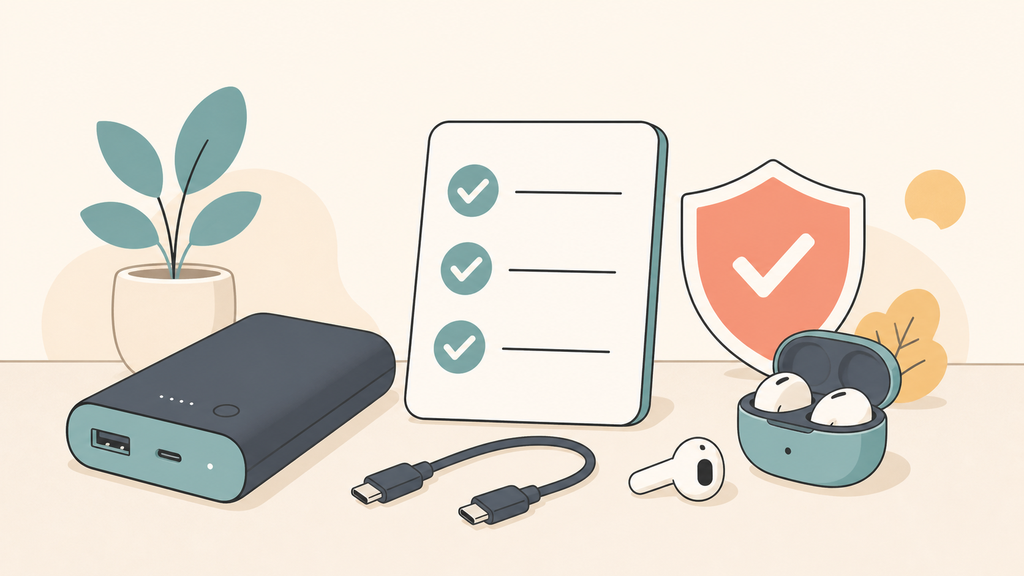
The first checkpoint is target device testing. If the product is sold only as a phone power bank, phone testing may be enough. If it is sold as a travel charger, it should be tested with low-current devices such as wireless earbuds, smartwatches, small cameras, and portable lights. Real use is messier than a laboratory single-load test.
Low-current mode should be specified clearly. Some power banks support a mode that keeps output active for small devices. It may be activated by double-clicking the power button, holding the button, or using a specific port. If the feature exists but is not explained in the manual, customers may never use it. If the feature does not exist, the product page should avoid promising broad small-device compatibility.
USB-C behavior is also important. Buyers should test how the product behaves with USB-C to USB-C cables, USB-A to USB-C cables, and multiple device types. If the power bank supports USB Power Delivery, the supplier should explain supported profiles, port priority, and what happens when two devices are connected. Power allocation changes can make one device stop charging if the design is not clear.
Storage and transport should not be ignored. A power bank that sits too long at low charge may behave poorly later. For travel products, importers should also understand lithium battery transport rules. The FAA explains that spare lithium batteries, including power banks, must be carried in carry-on baggage, and damaged or recalled lithium batteries need special attention.4 Clear travel guidance reduces misuse and customer confusion.
| Buyer checkpoint | Why it matters |
|---|---|
| Low-current mode | Supports earbuds, watches, and small accessories |
| Output threshold | Determines when the power bank auto-sleeps |
| Cable compatibility | Prevents unstable connection complaints |
| USB-C PD behavior | Affects modern device charging |
| Port-sharing logic | Avoids surprise shutdown during multi-device use |
| Thermal protection | Reduces safety risk under heat |
| Low-battery cutoff | Protects internal cells |
| Manual clarity | Helps users solve the issue quickly |
For EverGreat projects, I usually recommend building a test matrix before confirming a power bank. The matrix should include target phones, earbuds, smartwatches, tablets, cables, low-battery conditions, high-temperature checks, and multi-port use. This does not make the project complicated for the sake of it. It prevents a simple support question from becoming a negative review pattern.
The best product choice depends on the promise. If the brand wants a compact phone-only power bank, keep the design simple and instructions honest. If the brand wants a premium all-device travel charger, low-current mode and broader compatibility testing are worth the extra attention.
Conclusion
A power bank that keeps turning off usually has a load, cable, battery, or protection issue. Match the design to the devices users actually charge.
-
USB Implementers Forum, USB Charger (USB Power Delivery). ↩
-
UL Research Institutes, Know Your Battery. ↩
-
Apple, Batteries – Maximizing Performance. ↩
-
Federal Aviation Administration, PackSafe – Lithium Batteries. ↩